3 Setting the Screen Display Level
64
Shooting tips appear when [Shooting screen] is set to [Guided] (p.59)
and the camera setting is in any of the following cases. In Basic Zone
modes, shooting tips appear regardless of the [Shooting screen]
setting.
• To further blur the background (with the lowest aperture value set in
the <f> mode).
• The image is likely to be overexposed.
• The image is likely to be underexposed.
• Camera shake is likely to occur (only in Basic Zone modes).
1
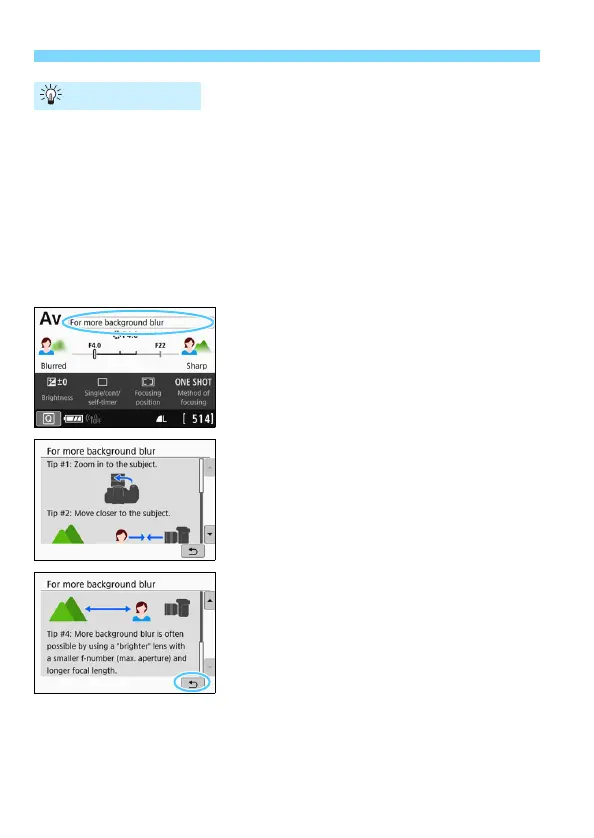
Tap on the area within the frame.
The shooting tips will appear.
You can also display the shooting tips
by pressing the <L> button.
2
Check the shooting tips.
You can scroll up and down by
tapping on the screen.
You can also scroll by pressing the
<W> <X> keys.
3
Tap on [2].
Shooting tips will disappear, and the
screen in step 1 will reappear.
You can also hide the shooting tips by
pressing <0>.
Shooting Tips



 To Next Page