161
M
Locking the Exposure ( AE Lock)
You can lock the exposure when you want to set the focus and exposure
separately or when you are to take multiple shots at the same exposure
setting. Press the <
A
> button to lock the exposure, then recompose and
take the picture. It is eff ective for shooting backlit subjects, etc.
1
Focus on the subject.
Press the shutter button halfway.
2
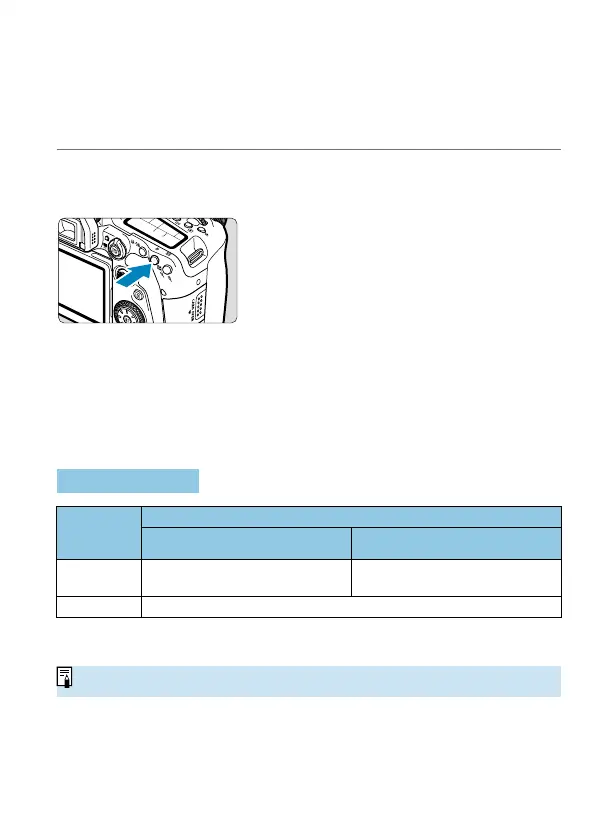
Press the <A> button (0).
A <
A
> icon is displayed in the
viewfi nder or on the screen, indicating
that the exposure is locked (AE lock).
Each time you press the <
A
> button,
the current exposure setting is locked.
3
Recompose and take the picture.
When you are to take more pictures
while maintaining the AE lock, keep
holding down the <
A
> button and
press the shutter button to take another
picture.
AE Lock Eff ects
Metering
Mode
(
=
158)
AF Point Selection Method (
=
131,
=
132)
Automatic Selection Manual Selection
q
Exposure centered on the AF point
in focus is locked.
Exposure centered on the selected
AF point is locked.
wre
AE lock is applied at the center AF point.
* When the <
q
> is set and the lens’s focus mode switch is set to <MF>, AE lock is
applied with the exposure weighted on the center AF point.
o
AE lock is not possible with bulb exposures.



 To Next Page