397
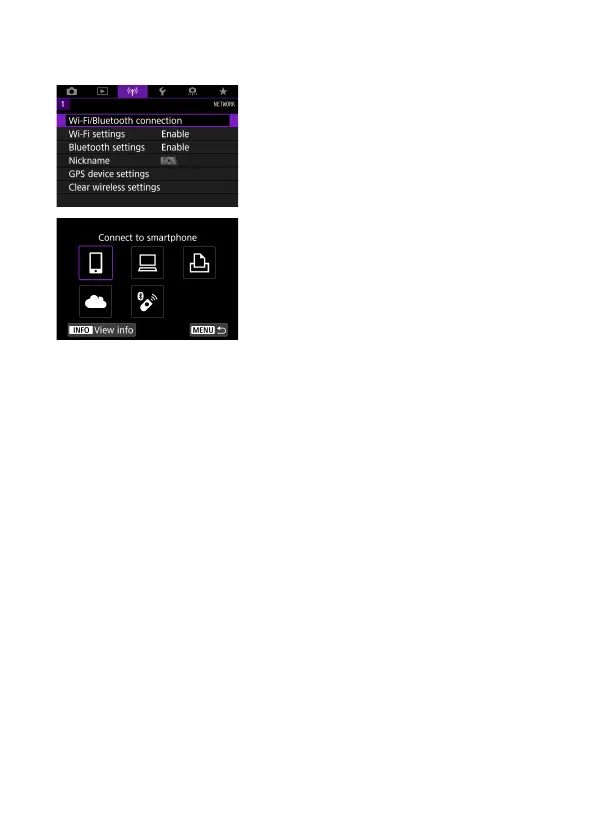
Selection of Wi-Fi/Bluetooth Connection
1
Select [k: Wi-Fi/Bluetooth
connection].
2
Select an item for the camera to
connect to.
q
Connect to smartphone
(
=
399)
Control the camera remotely and browse images on the camera over a
Wi-Fi connection by using the dedicated Camera Connect app on
smartphones or tablets (collectively referred to as “smartphones” in this
manual).
D
Use with EOS software or other dedicated software
(
=
426)
Connect the camera to a computer via Wi-Fi and operate the camera
remotely using EOS Utility (EOS software). With the dedicated application
Image Transfer Utility 2, images on the camera can also be sent to a
computer automatically.
l
Print from Wi-Fi printer
(
=
434)
Connect the camera to a printer supporting PictBridge (Wireless LAN) via
Wi-Fi to print images.



 To Next Page