52
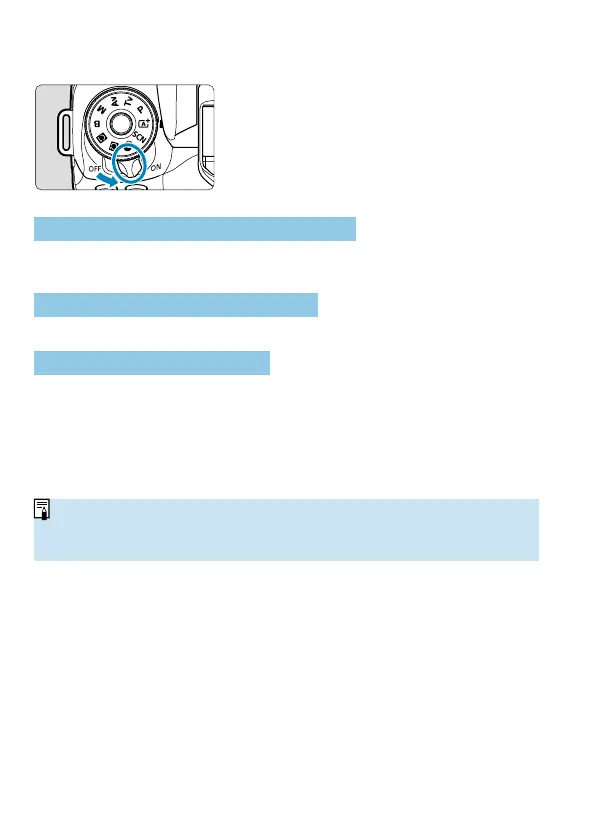
Turning on the Power
<
1
>
The camera turns on.
<
2
>
The camera is turned off and does not
function. Set the power switch to this
position when not using the camera.
Setting the Date, Time, and Time Zone
If you turn on the power switch and the date/time/zone setting screen
appears, see
=
516 to set the date/time/zone.
Changing the Interface Language
To change the interface language, see
=
519.
Automatic Sensor Cleaning
Whenever you set the power switch to <
1
> or <
2
>, sensor cleaning
will be performed automatically. (A small sound may be audible.) During
the sensor cleaning, the screen will display <
f
>.
If you repeatedly turn the power switch <
1
>/<
2
> at a short
interval, the <
f
> icon may not be displayed. This is normal and not a
malfunction.
o
If you set the power switch to <
2
> while an image is being recorded to
the card, [Saving...] will be displayed and the power will turn off after the
recording fi nishes.



 To Next Page