53
Turning on the Power
z
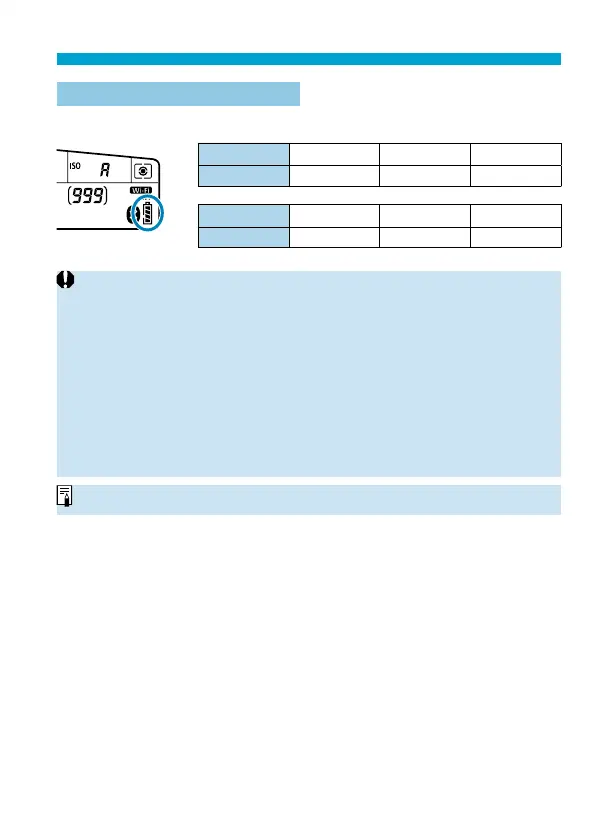
Battery Level Indicator
When the power switch is set to <
1
>, the battery level will be indicated.
Display
zxc
Level (%) 100–70 69–50 49–20
Display
m
bn
Level (%) 19–10 9–1 0
o
Doing any of the following will exhaust the battery faster:
• Pressing the shutter button halfway for a prolonged period.
• Activating the AF frequently without taking a picture.
• Using the lens’s Image Stabilizer.
• Using the Wi-Fi function or Bluetooth function.
• Using the screen frequently.
o
The number of possible shots may decrease depending on the actual shooting
conditions.
o
The lens operation is powered by the camera’s battery. Certain lenses may
exhaust the battery faster than others.
o
In low ambient temperatures, shooting may not be possible even with a
suffi
cient battery level.
o
See [
5
: Battery info.] to check the battery status (
=
524).



 To Next Page