514
Adjusting the Screen Brightness
1
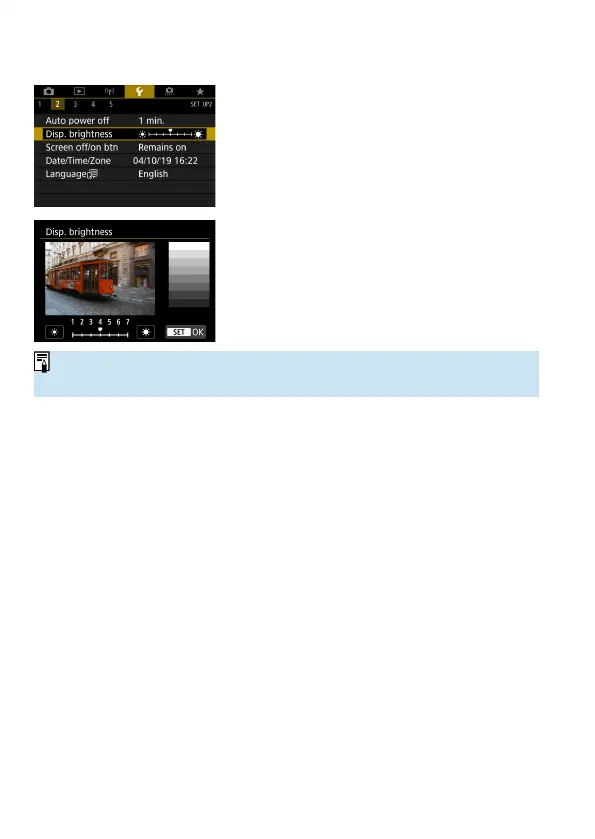
Select [5: Disp. brightness].
2
Make the adjustment.
Referring to the gray chart, use the <
Y
>
<
Z
> keys to adjust the brightness, then
press <
0
>.
o
To check the image’s exposure, referring to the histogram is recommended
(
=
389).



 To Next Page