263
M
Mirror Lockup
Mirror lockup keeps the mirror up in viewfi nder shooting to reduce blur from
mirror movement. Useful when shooting close-ups (macro photography),
using a super telephoto lens, shooting at slow shutter speeds, etc.
1
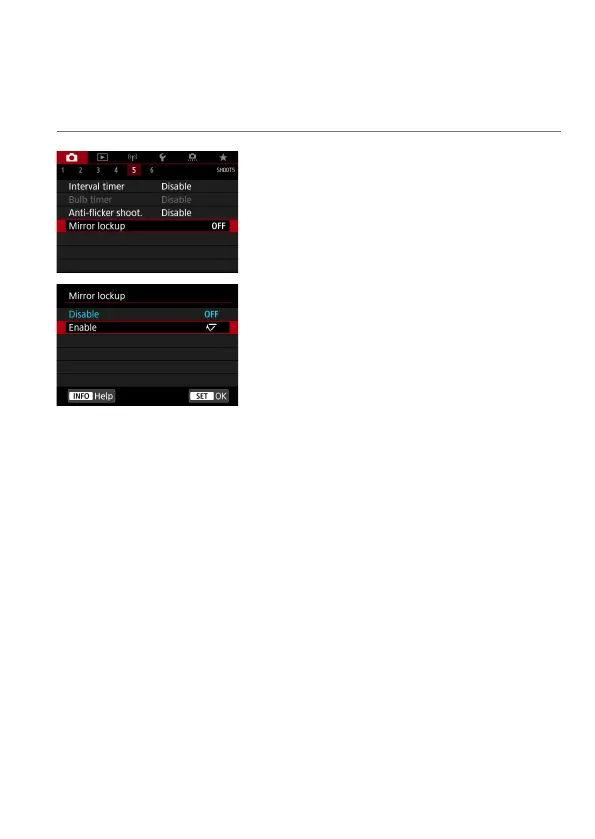
Select [z: Mirror lockup].
2
Select [Enable].
3
Focus on the subject, then press
the shutter button completely.
The mirror will swing up.
4
Press the shutter button completely
again.
The picture is taken and the mirror goes
back down.



 To Next Page