520
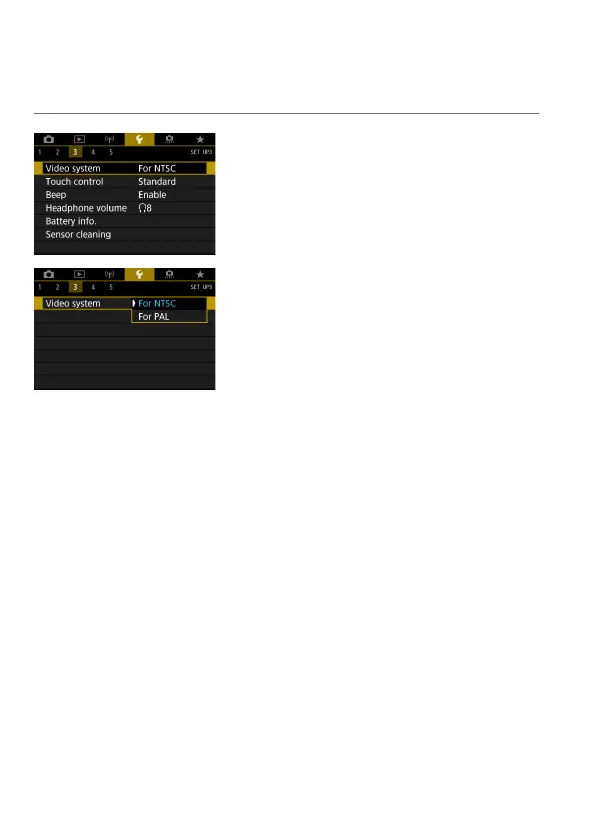
Video System
Set the video system of any television used for display. This setting
determines the frame rates available when you record movies.
1
Select [5: Video system].
2
Select an item.
For NTSC
For areas where the TV system is NTSC
(North America, Japan, South Korea,
Mexico, etc.).
For P
AL
For areas where the TV system is PAL
(Europe, Russia, China, Australia, etc.).



 To Next Page