233
M
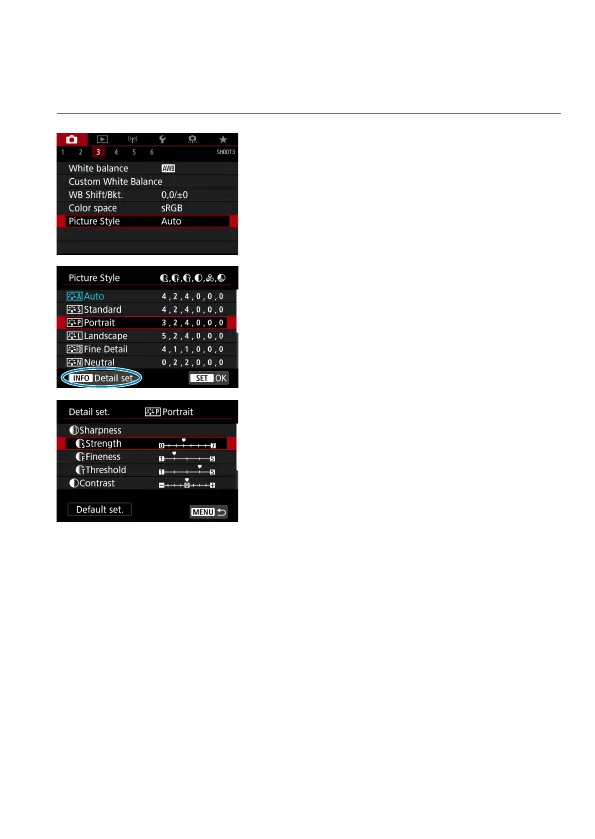
Picture Style Customization
You can customize any Picture Style by changing it from the default settings.
To customize [Monochrome], see
=
235.
1
Select [z: Picture Style].
2
Select a Picture Style.
Select the Picture Style to adjust, then
press the <
B
> button.
3
Select an item.
See the next page for details on the
settings and eff ects.



 To Next Page