334
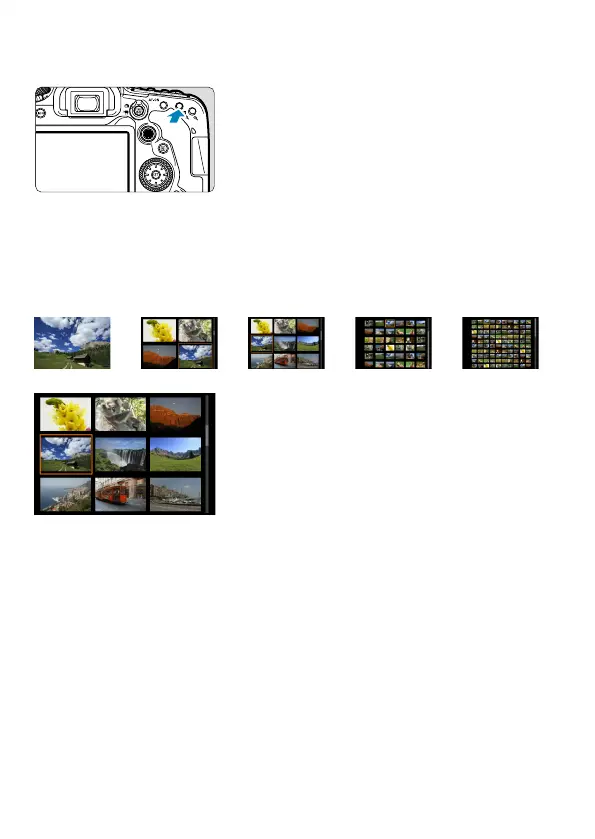
Index Display (Multiple-Image Display)
1
Switch to the index display.
During image playback, press the
<
r
> button.
The 4-image index display will appear.
The selected image is highlighted with
an orange frame.
Pressing the <
r
> button again
switches display from 9 images to 36,
and then to 100.
Pressing the <
v
> button switches
display from 100 images to 36, 9, 4, and
then single-image display
.
BBBB
2
Select an image.
Turn the <
6
> or <
5
> dial to move
the orange frame, then select the image.
Press <
0
> in the index display to
display the selected image in the single-
image display.



 To Next Page