342
Frame Extraction from 4K Movies or 4K
Time-Lapse Movies
From 4K movies or 4K time-lapse movies, you can select individual frames
to save as approx. 8.3 megapixel (3840×2160) JPEG still images. This
function is called “Frame Grab (4K frame capture)”.
1
Play back the image.
Press the <
3
> button.
2
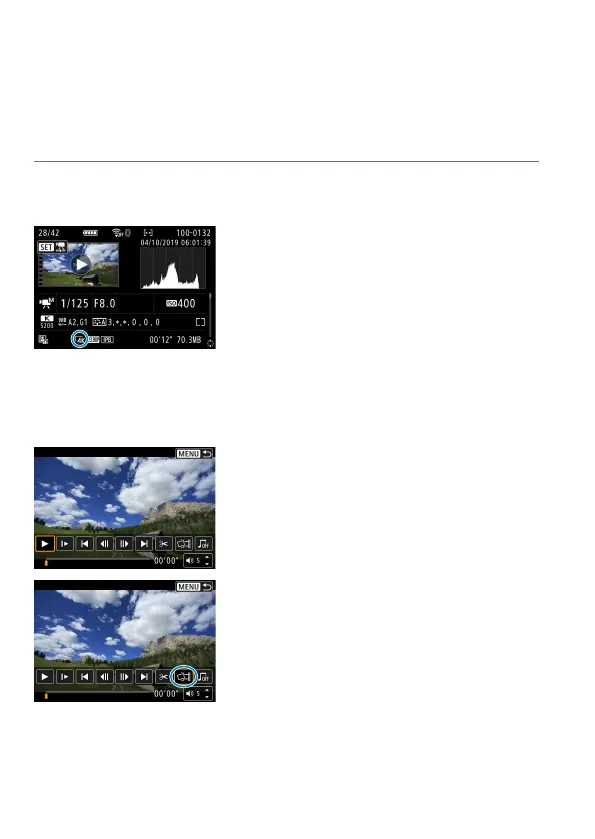
Select a 4K movie or 4K time-lapse
movie.
Select with <
5
>.
On the shooting information screen
(
=
631), 4K movies and 4K time-lapse
movies are indicated by an [
H
] icon.
In index display, press <
0
> to switch to
single-image display.
3
In the single-image display, press
<0>.
The movie playback panel will appear.
4
Select a frame to grab.
Use the movie playback panel to select
the frame to grab as a still photo.
For movie playback panel instructions,
see
=
338.
5
Select [I].



 To Next Page