458
Wi-Fi Connection via Access Points
This section describes how to join a Wi-Fi network via an access point
compatible with WPS (PCB mode).
First, check the position of the WPS button and how long to press it.
It may take approx. one minute to establish a Wi-Fi connection.
1
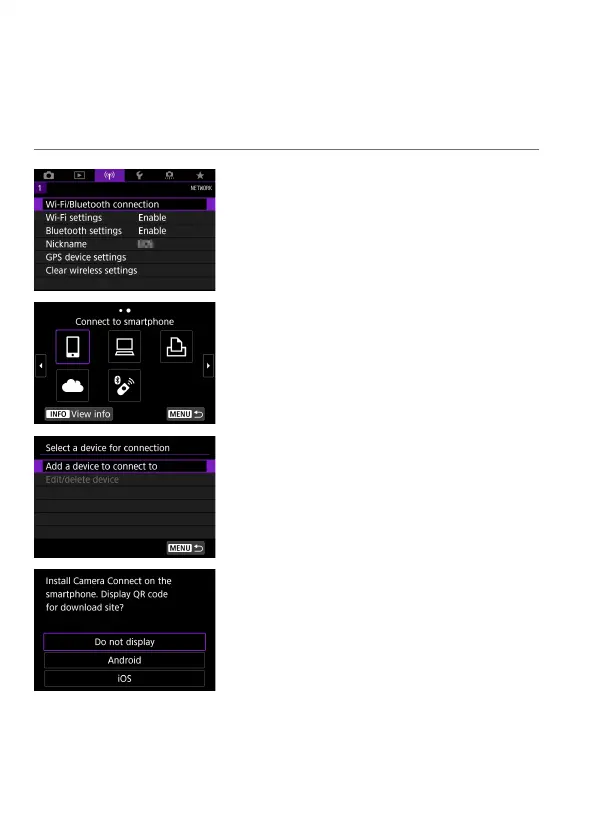
Select [k: Wi-Fi/Bluetooth
connection].
2
Select an item.
If the history (
=
467) is displayed,
switch the screen with the <
Y
> <
Z
>
keys.
3
Select [Add a device to connect to].
When [
q
Connect to smartphone]
is selected, the screen on the left is
displayed. If Camera Connect is already
installed, select [Do not display].
On the [Connect to smartphone]
screen displayed next, select [Connect
via Wi-Fi].



 To Next Page