153
Using the Self-Timer
1
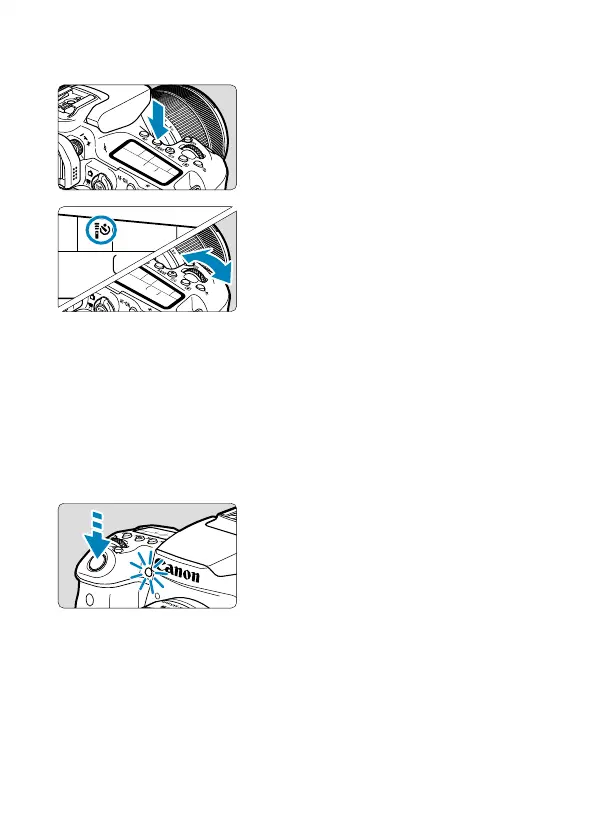
Press the <R> button (9).
2
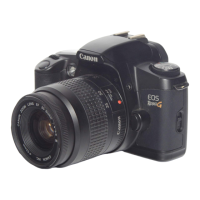
Select the self-timer.
Turn the <
6
> dial.
Q: Shoot in 10 sec.
Remote control shooting is also
possible (
=
155).
k: Shoot in 2 sec.
Remote control shooting is also
possible (
=
155).
q: Shoot continuously in 10 sec.
for the specifi ed number of shots
Use the <
5
> dial to set the number
of shots to take (2–10). Remote
control shooting is not possible.
3
Take the picture.
Focus on the subject, then press the
shutter button completely.
You can check the self-timer operation
with the self-timer lamp, beeper, and
countdown display (in seconds) on the
LCD panel.


 To Next Page