391
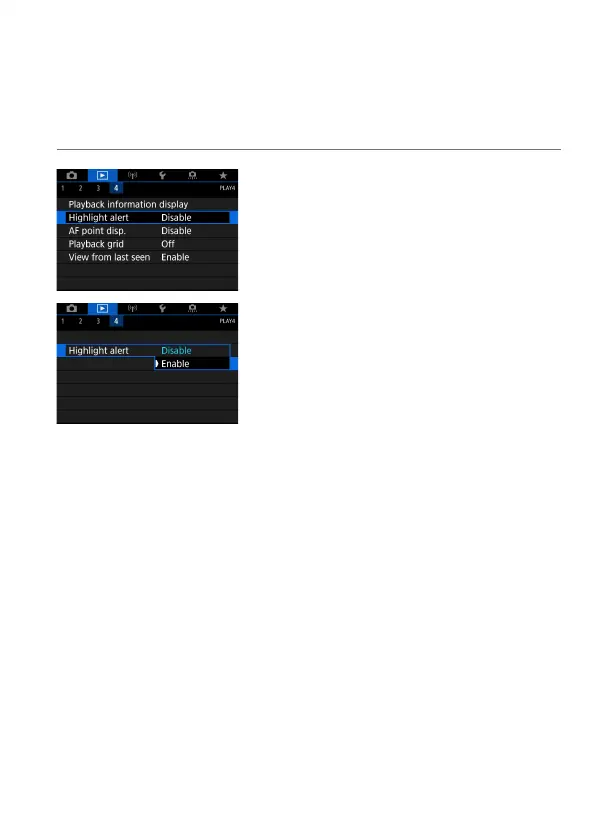
Displaying the Highlight Alert
You can specify blinking display of overexposed highlights on the playback
screen. To obtain more detailed gradation in the blinking areas where
you want the gradation to be faithfully reproduced, set the exposure
compensation to a negative amount and shoot again for a better result.
1
Select [3: Highlight alert].
2
Select [Enable].



 To Next Page