84
Special Scene Mode
The camera will automatically choose the appropriate settings when you
select a shooting mode for your subject or scene.
* <
8
> stands for Special Scene.
1
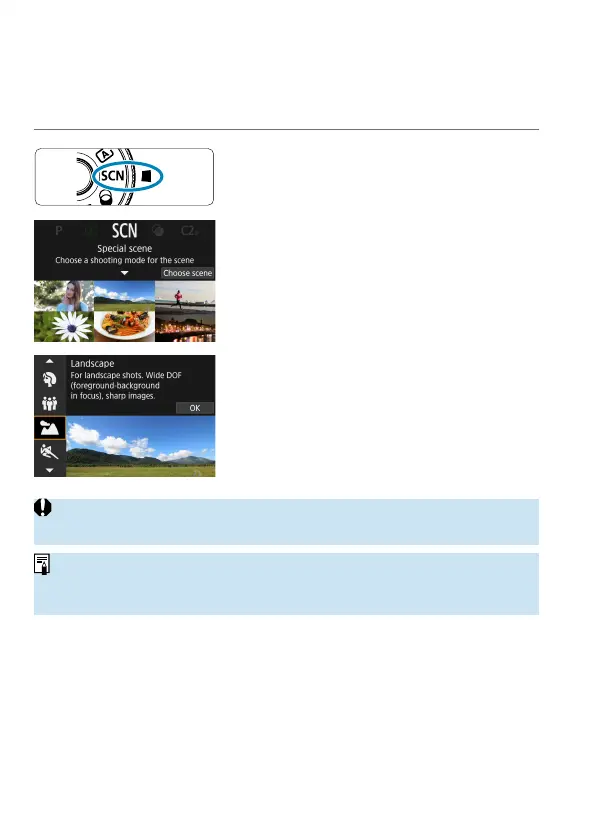
Set the Mode dial to <8>.
2
Press <0>.
3
Select a shooting mode.
Press the <
W
> <
X
> keys to select the
shooting mode, then press <
0
>.
Selection is also possible by turning the
<
6
> or <
5
> dial.
o
Cautions on each shooting mode are listed together (
=
99). Read the
cautions before shooting.
o
When [
5
: Mode guide] is set to [Disable], after step 1, press the <
Q
>
button, use the <
Y
> <
Z
> keys to select [Choose scene], use the <
W
> <
X
>
keys to select a shooting mode, then press <
0
>.



 To Next Page