83
Fully Automatic Shooting (Scene Intelligent Auto)
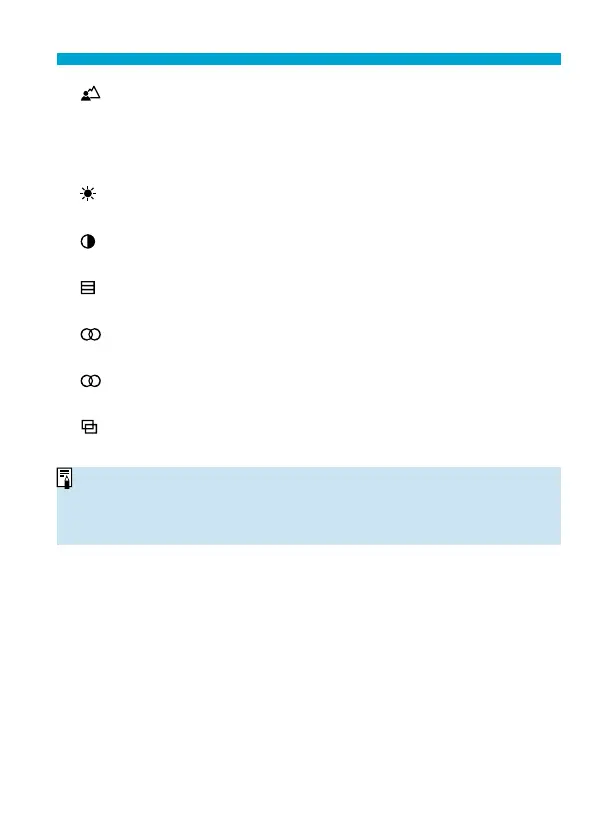
[ ] Background blur
Adjust background blur. Choose higher values to make backgrounds
sharper, or lower values to make them blurrier. [Auto] adjusts background
blurring to match the brightness. Depending on lens brightness (f/
number), some positions may not be available.
[ ] Brightness
Adjust image brightness.
[ ] Contrast
Adjust contrast.
[ ] Saturation
Adjust the vividness of colors.
[ ] Color tone 1
Adjust amber/blue color tone.
[ ] Color tone 2
Adjust green/magenta color tone.
[ ] Monochrome
Set the toning eff ect for monochrome shooting.
o
[Background blur] is not available when the fl
ash is used.
o
These settings are reset when you switch shooting modes or set the power
switch to <
2
>. To save the settings, set [
z
: Retain Creative Assist data]
to
[Enable].
Saving Eff ects
To save the current setting to the camera, press the <
B
> button on the
Creative Assist setting screen, then select [OK]. Up to three presets can be
saved as [USER*]. After three have been saved, an existing [USER*] preset
must be overwritten to save a new one.



 To Next Page