147
Manual Focus
If focus cannot be achieved with autofocus, follow the procedure below to
focus manually.
In Viewfi nder Shooting
(1)
1
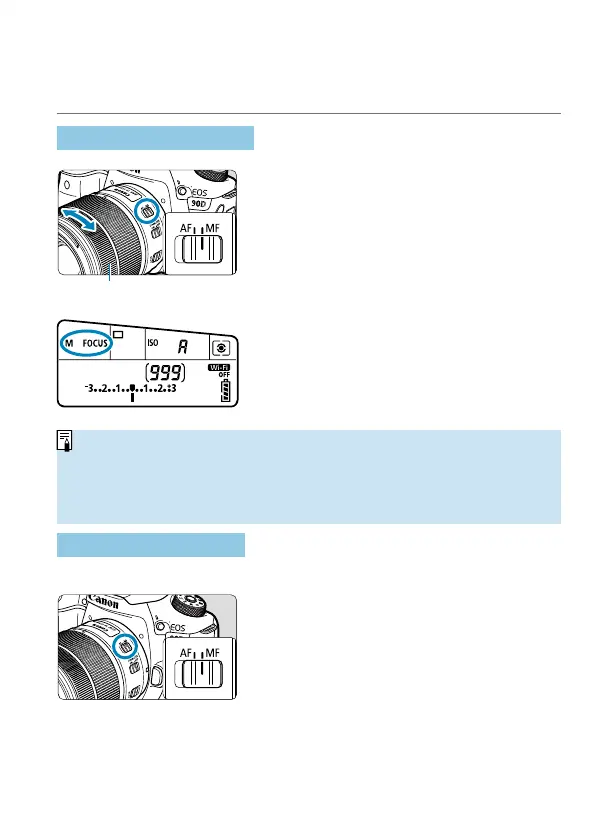
Set the lens’s focus mode switch
to <MF>.
2
Focus on the subject.
Turn the lens focusing ring (1) until the
subject looks sharp in the viewfi nder.
o
If you press the shutter button halfway during manual focusing, the AF point
that achieved focus will be displayed, and the focus indicator <
o
> will light up
in the viewfi nder.
o
With Automatic selection AF, when the center AF point achieves focus, the
focus indicator <
o
> will light up.
In Live View Shooting
You can magnify the image when focusing.
1
Set the lens’s focus mode switch
to <MF>.
Turn the lens focusing ring to focus
roughly.



 To Next Page