545
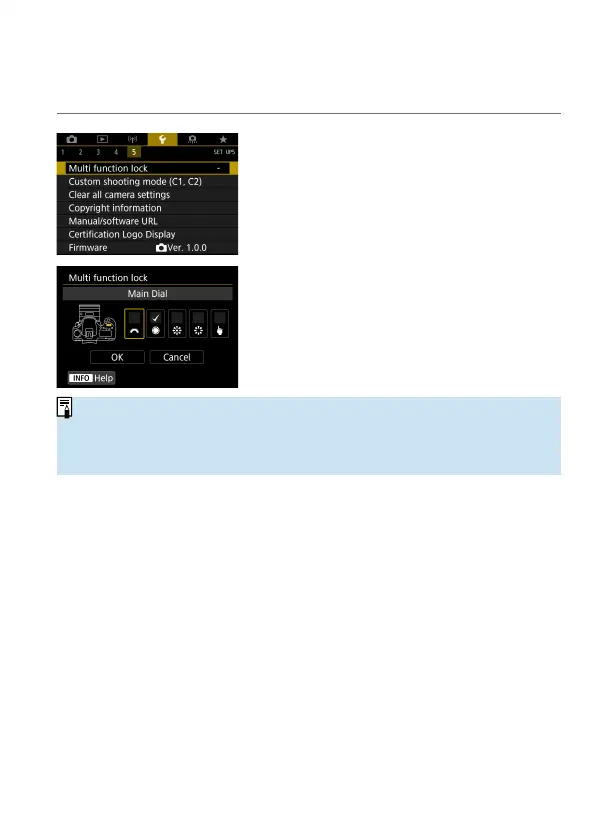
Multi-Function Lock
Specify camera controls to lock when the Multi-function lock is enabled. This
can help prevent accidentally changing settings.
1
Select [5: Multi function lock].
2
Select camera controls to lock.
Press <
0
> to add a checkmark [
X
].
Select [OK].
Setting the <
R
> switch to <
R
>
locks the selected [
X
] camera controls.
o
In Basic Zone modes, only [Touch control] can be set. Note that in <
U
>
mode, you can also use the <
6
> or <
5
> dial.
o
If it is changed from the default setting, an asterisk “*” will be displayed on the
right edge of [
5
: Multi function lock].



 To Next Page