148
Manual Focus
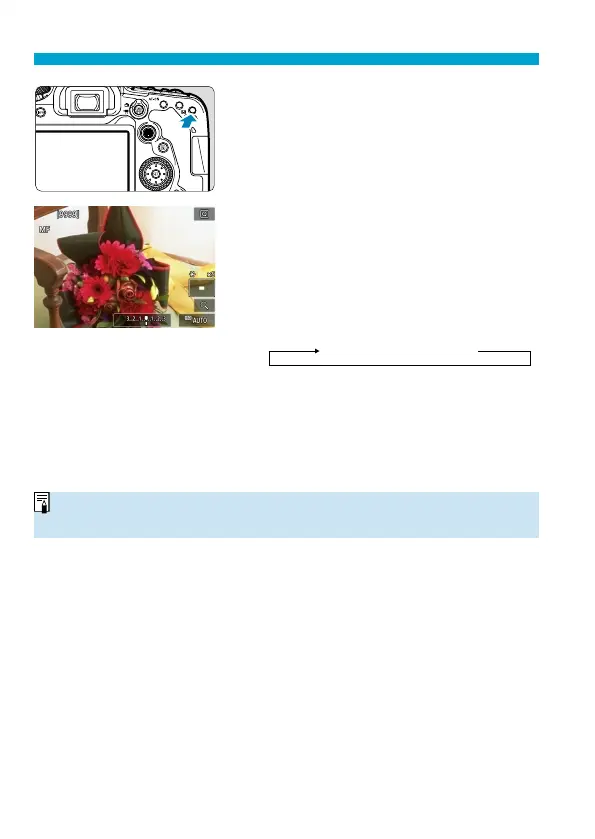
2
Magnify the image.
Press the <
v
> button to activate
magnifi ed display.
3
Determine an area to magnify.
Use <
j
> <
9
> to move the magnifi ed
area into position for focusing.
To center the magnifi ed area, press
<
j
> or the <
0
> or <
L
> button.
Each press of the <
v
> button changes
the magnifi cation ratio, as follows.
1× → 5× → 10×
4
Focus on the subject.
While looking at the magnifi ed image,
turn the lens focusing ring to focus.
After achieving focus, press the <
v
>
button to return to the normal view.
o
In magnifi ed view, the exposure is locked.
o
You can use the Touch Shutter to take a picture during normal display.


 To Next Page
 Loading...











