352
Erasing Images
Specifying the Range of Images to Be Erased
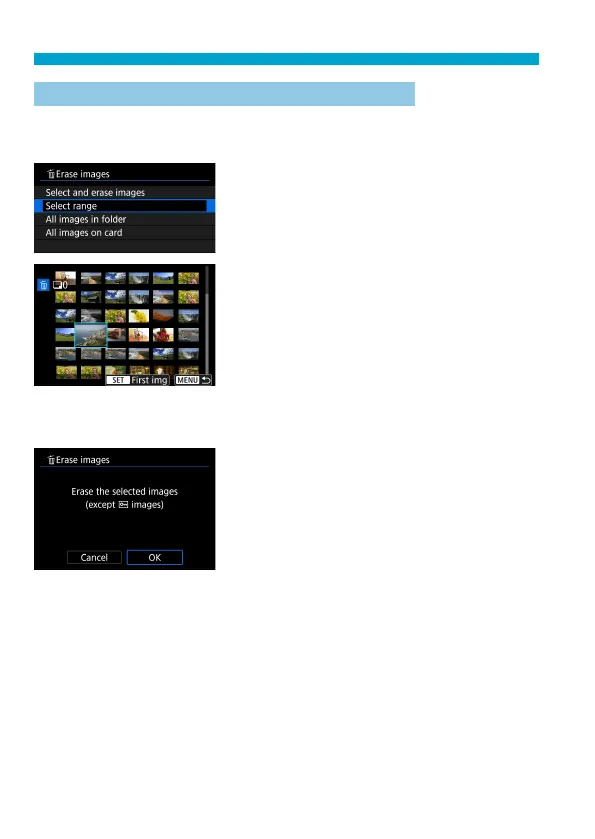
While looking at the images in the index display, you can specify the fi rst
and last images for a range to erase all the specifi ed images at once.
1
Select [Select range].
Select [Select range].
2
Specify the range of images.
Select the fi rst image (start point).
Next, select the last image (end point).
3
Press the <L> button.
4
Erase the images.
Select [OK].



 To Next Page