429
Connecting to a Computer via Wi-Fi
Steps on the Camera (2)
10
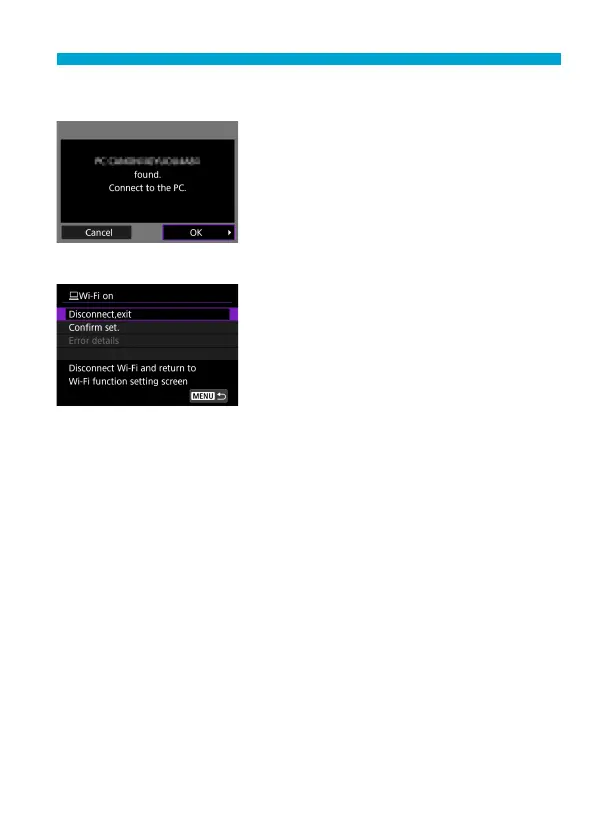
Establish a Wi-Fi connection.
Select [OK].
[
D
Wi-Fi on] Screen
Disconnect,exit
Terminates the Wi-Fi connection.
Confi rm set.
You can check the settings.
Error details
When a Wi-Fi connection error occurs,
you can check the details of the error.
The Wi-Fi connection to a computer is now complete.
Operate the camera using EOS Utility on the computer.
To reconnect via Wi-Fi, see “Reconnecting via Wi-Fi” (
=
467).


 To Next Page
 Loading...











