435
Connecting to a Printer via Wi-Fi
5
Set up the printer.
On the Wi-Fi settings menu of the printer
to be used, select the SSID you have
checked.
For the password, enter the password
checked in step 4.
6
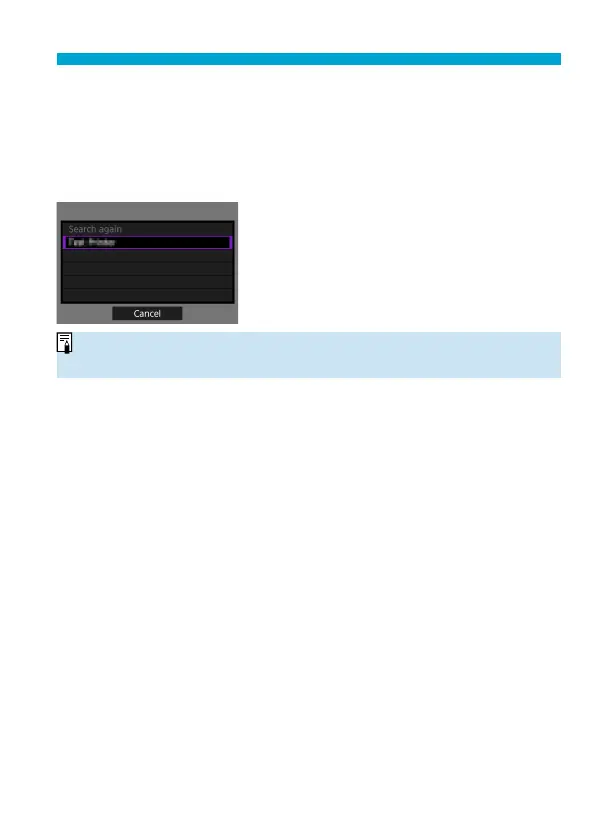
Select the printer.
In the list of detected printers, select the
printer to connect to via Wi-Fi.
If your preferred printer is not listed,
selecting [Search again] may enable
the camera to fi nd and display it.
o
To establish a Wi-Fi connection via an access point, see “Wi-Fi Connection via
Access Points” (
=
458).


 To Next Page
 Loading...











