571
Custom Function Setting Items
C.Fn III-3: Custom Controls
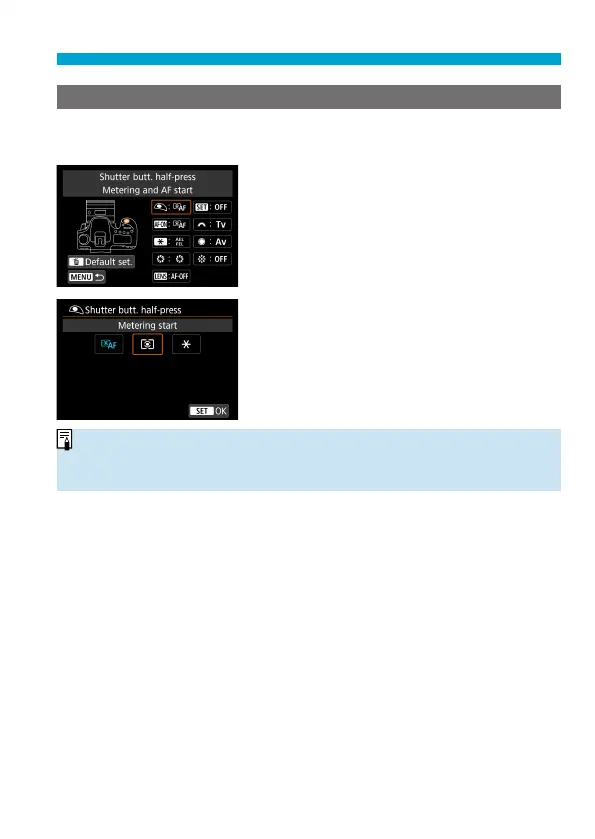
You can assign frequently used functions to camera buttons or dials
according to your preferences for easy operations.
1
Select a part of the bar.
2
Select a function to assign.
Press <
0
> to set it.
o
With the screen in step 1 displayed, you can press the <
L
> button to revert
the Custom Control settings to their defaults. Customized operations are not
cleared if you select [Clear all Custom Func. (C.Fn)].



 To Next Page