586
Registering My Menu
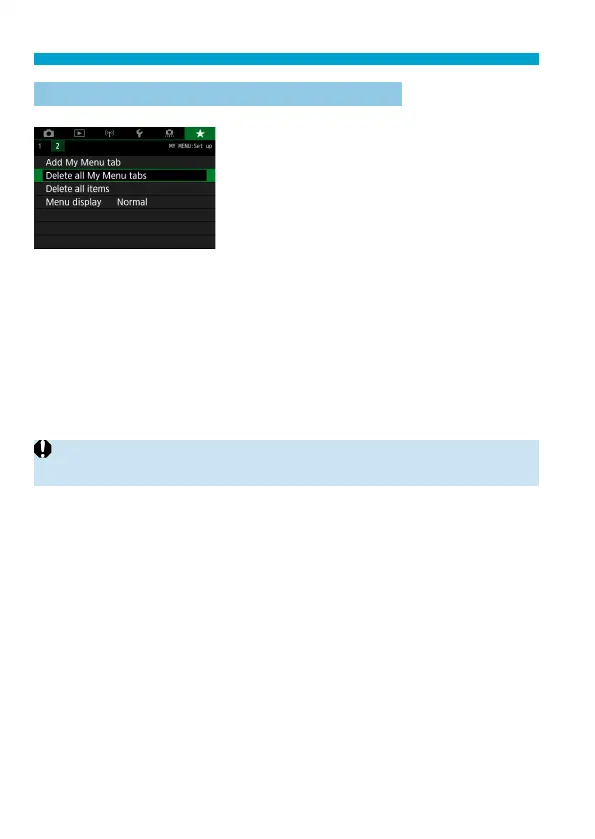
Deleting all My Menu tabs/Deleting all items
You can delete all the created My Menu
tabs or My Menu items registered under
them.
Delete all My Menu tabs
You can delete all My Menu tabs you created. When you select [Delete
all My Menu tabs], all the tabs from [MY MENU1] to [MY MENU5] will
be deleted and the [
9
] tab will revert to its default.
Delete all items
You can delete all the items registered under the [MY MENU1] to
[MY MENU5] tabs. The tab(s) will remain. When [Delete all items]
is selected, all the items registered under all the created tabs will be
deleted.
o
If you perform [Delete tab] or [Delete all My Menu tabs], tab names renamed
with [Rename tab] will also be deleted.



 To Next Page