65
Menu Operations and Settings
3
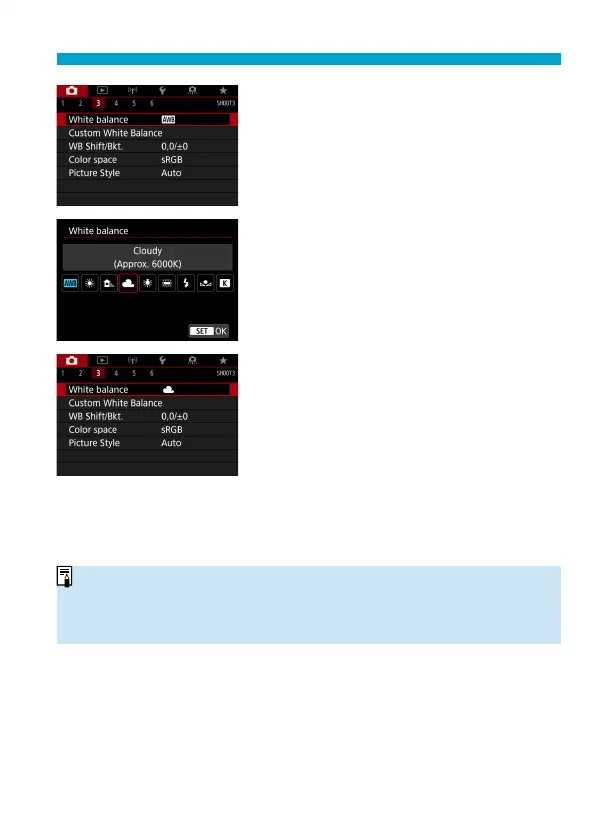
Select an item.
Turn the <
5
> dial to select an item,
then press <
0
>.
4
Select an option.
Turn the <
5
> dial to select an option.
The current setting is indicated in blue.
5
Set an option.
Press <
0
> to set it.
6
Exit the setting.
Press the <
M
> button to fi nish and
prepare for shooting.
o
The description of menu functions hereafter assumes that you have pressed
the <
M
> button to display the menu screen.
o
You can also tap on the menu screen or use <
j
> <
9
> to operate the menu.
o
To cancel the operation, press the <
M
> button.



 To Next Page