68
Quick Control
3
Select an option.
Turn the <
6
> or <
5
> dial, or press
the <
Y
> <
Z
> keys to change the
setting. Some items are set by pressing
a button after this.
Press <
0
> to return to the previous
screen.
If you have selected <
7
>, <
H
>, or
<
k
>, press the <
M
> button to exit.
To access the corresponding setting
screen from the Quick Control screen,
press the <
f
>, <
R
>, <
i
>,
<
q
>, <
S
>, or <
G
> button, then
adjust the setting with the <
6
> or
<
5
> dial, <
Y
> <
Z
> keys, or <
G
>
button.
In Live View Shooting/Movie Recording
1
Press the <Q> button (7).
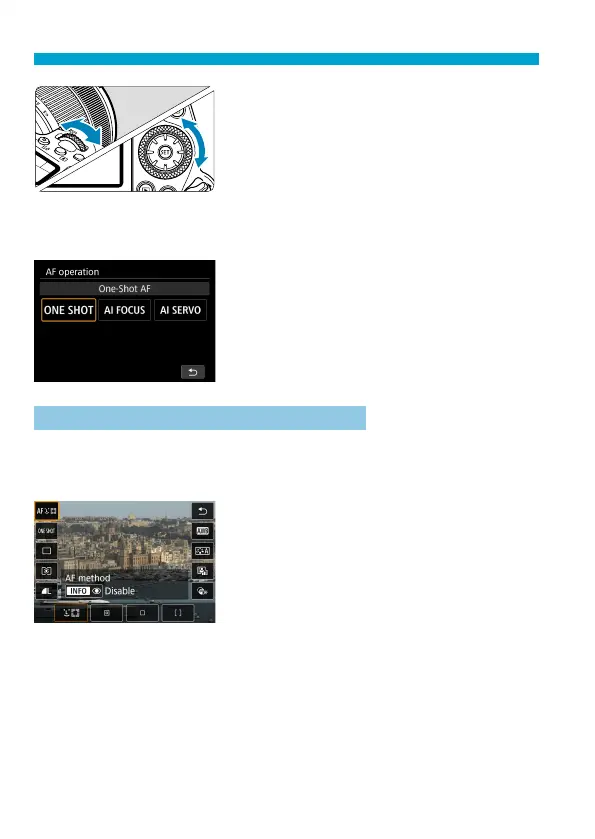
2
Select a setting item.
Press the <
W
> <
X
> keys for selection.
3
Select an option.
Turn the <
6
> or <
5
> dial, or press
the <
Y
> <
Z
> keys to change the
setting. Some items are set by pressing
a button after this.
Press the <
Q
> button to return to the
previous screen.



 To Next Page