7
Quick Start Guide
6
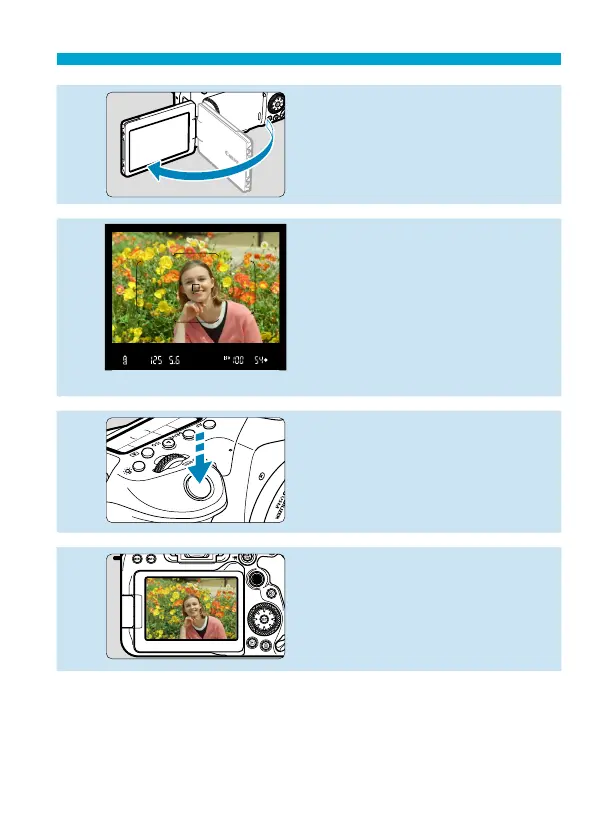
Flip out the screen (
=
51).
When the date/time/zone setting
screen is displayed, see
=
516.
7
Focus on the subject (
=
57).
Look through the viewfi nder and
center the subject on the screen.
Press the shutter button halfway,
and the camera will focus on the
subject.
If <
D
> blinks in the viewfi nder,
press the <
D
> button to raise the
built-in fl ash.
8
Take the picture (
=
57).
Press the shutter button completely
to take the picture.
9
Review the picture.
The image just captured will be
displayed for approx. 2 sec. on the
screen.
To display the image again, press
the <
x
> button (
=
332).
To shoot while looking at the screen, see “Live View Shooting” (
=
71).



 To Next Page