77
Fully Automatic Shooting (Scene Intelligent Auto)
4
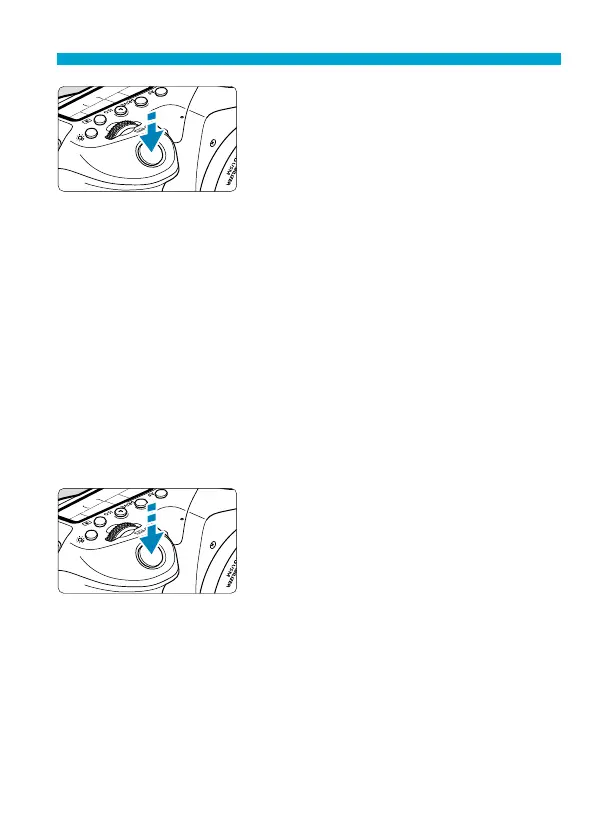
Focus on the subject.
Press the shutter button halfway to
focus.
If <
D
> blinks, press the <
D
> button to
raise the built-in fl ash.
With viewfi nder shooting
When achieving focus, the AF point that
has achieved focus will be displayed.
At the same time, the beeper will sound
and the focus indicator <
o
> in the
viewfi
nder will light up. In low light, the
AF point(s) will light up briefl y in red.
Under low light, the
AF-assist beam
(continuous fl ash) fi res automatically as
needed when the built-in fl ash is raised.
With Live View shooting
Once the subject is in focus, that AF
point turns green and the camera beeps.
The AF point in focus on a moving
subject turns blue and tracks subject
movement. The camera does not beep.
5
Take the picture.
Press the shutter button completely to
take the picture.
The image just captured will be
displayed for approx. 2 sec. on the
screen.
To retract the built-in fl ash, push it down
with your fi ngers.



 To Next Page