1-6
Displaying Images
You can display images saved in your computer on the main window.
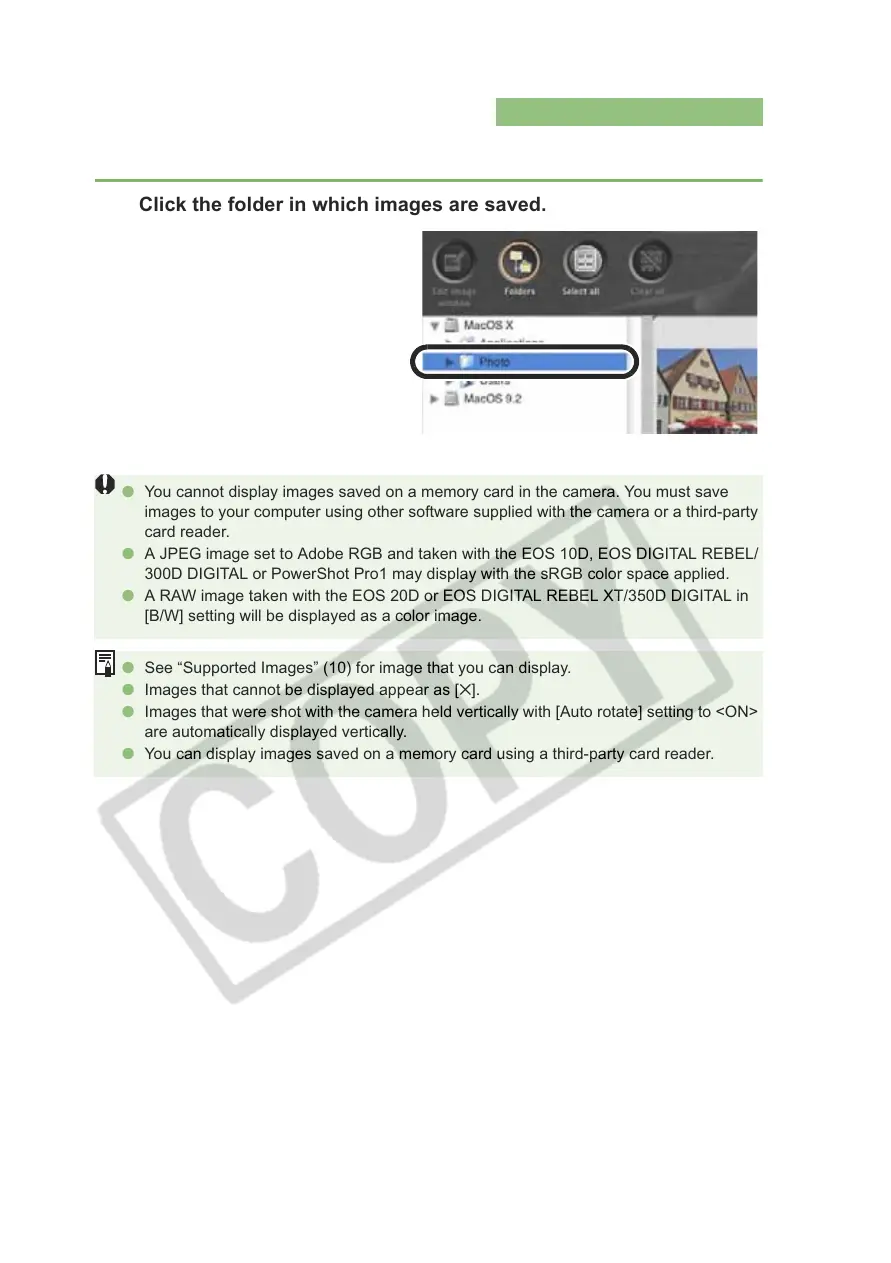
Click the folder in which images are saved.
O You cannot display images saved on a memory card in the camera. You must save
images to your computer using other software supplied with the camera or a third-party
card reader.
O A JPEG image set to Adobe RGB and taken with the EOS 10D, EOS DIGITAL REBEL/
300D DIGITAL or PowerShot Pro1 may display with the sRGB color space applied.
O A RAW image taken with the EOS 20D or EOS DIGITAL REBEL XT/350D DIGITAL in
[B/W] setting will be displayed as a color image.
O See “Supported Images” (10) for image that you can display.
O Images that cannot be displayed appear as [].
O Images that were shot with the camera held vertically with [Auto rotate] setting to <ON>
are automatically displayed vertically.
O You can display images saved on a memory card using a third-party card reader.














 To Next Page