Editing RAW Images
1-26
Adjusting with the Color Wheel
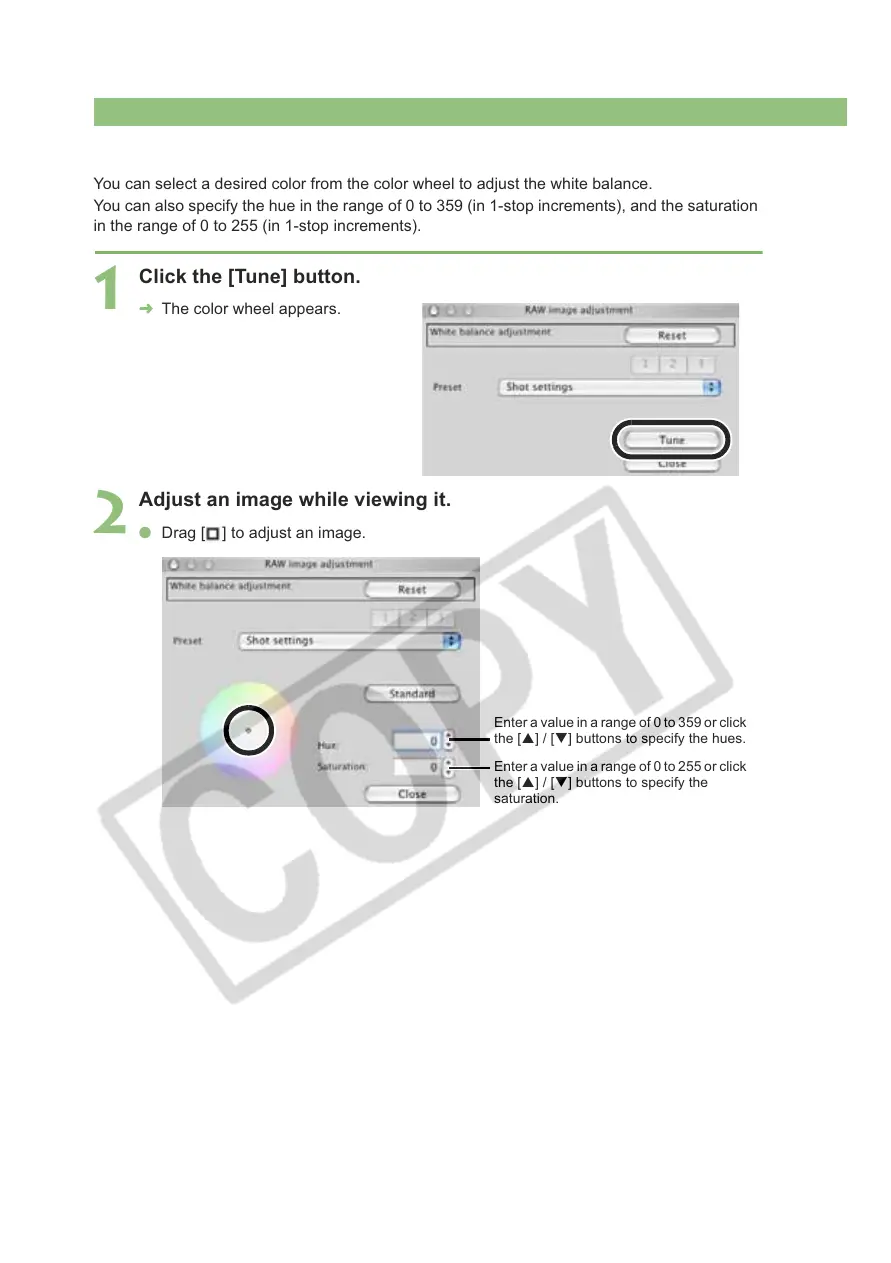
You can select a desired color from the color wheel to adjust the white balance.
You can also specify the hue in the range of 0 to 359 (in 1-stop increments), and the saturation
in the range of 0 to 255 (in 1-stop increments).
1
Click the [Tune] button.
¿ The color wheel appears.
2
Adjust an image while viewing it.
O Drag [ ] to adjust an image.
Enter a value in a range of 0 to 359 or click
the [S] / [T] buttons to specify the hues.
Enter a value in a range of 0 to 255 or click
the [S] / [T] buttons to specify the
saturation.














 To Next Page