Editing RAW Images
1-24
Selecting the White Balance
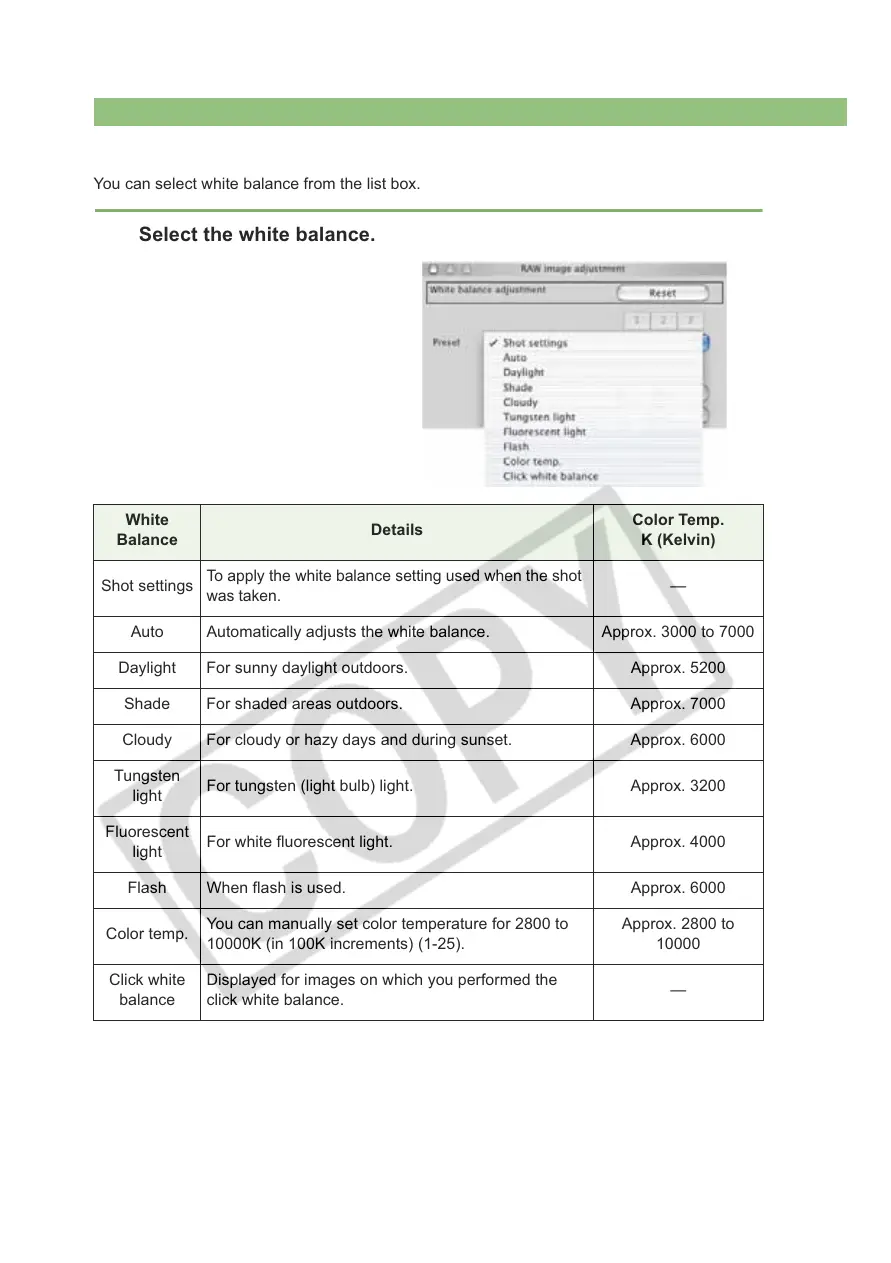
You can select white balance from the list box.
Select the white balance.
White
Balance
Details
Color Temp.
K (Kelvin)
Shot settings
To apply the white balance setting used when the shot
was taken.
—
Auto Automatically adjusts the white balance. Approx. 3000 to 7000
Daylight For sunny daylight outdoors. Approx. 5200
Shade For shaded areas outdoors. Approx. 7000
Cloudy For cloudy or hazy days and during sunset. Approx. 6000
Tungsten
light
For tungsten (light bulb) light. Approx. 3200
Fluorescent
light
For white fluorescent light. Approx. 4000
Flash When flash is used. Approx. 6000
Color temp.
You can manually set color temperature for 2800 to
10000K (in 100K increments) (1-25).
Approx. 2800 to
10000
Click white
balance
Displayed for images on which you performed the
click white balance.
—














 To Next Page