Editing RAW Images
1-23
1
Displaying Thumbnail Images and Performing Basic Edits in the Main Window
You can adjust the white balance using the mode settings, color temperature settings, color
wheel, and click white balance function.
1
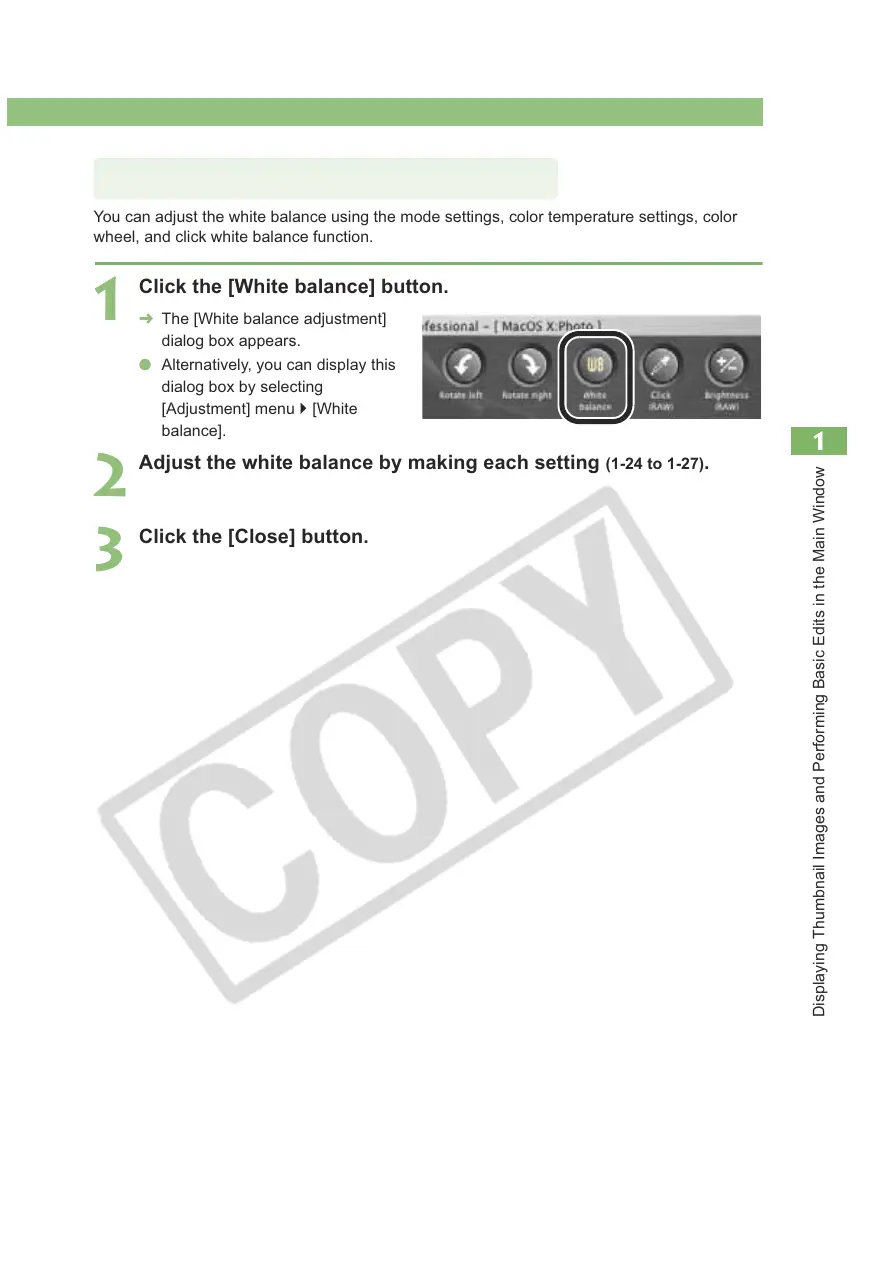
Click the [White balance] button.
¿ The [White balance adjustment]
dialog box appears.
O Alternatively, you can display this
dialog box by selecting
[Adjustment] menu ` [White
balance].
2
Adjust the white balance by making each setting (1-24 to 1-27).
3
Click the [Close] button.
Adjusting the White Balance














 To Next Page