Editing RAW Images
2-17
2
Performing Detailed Edits in the Edit Window
Selecting the Tone Curve
Changing the Characteristics of the Tone Curve
You can select the characteristics of the tone curve from five types.
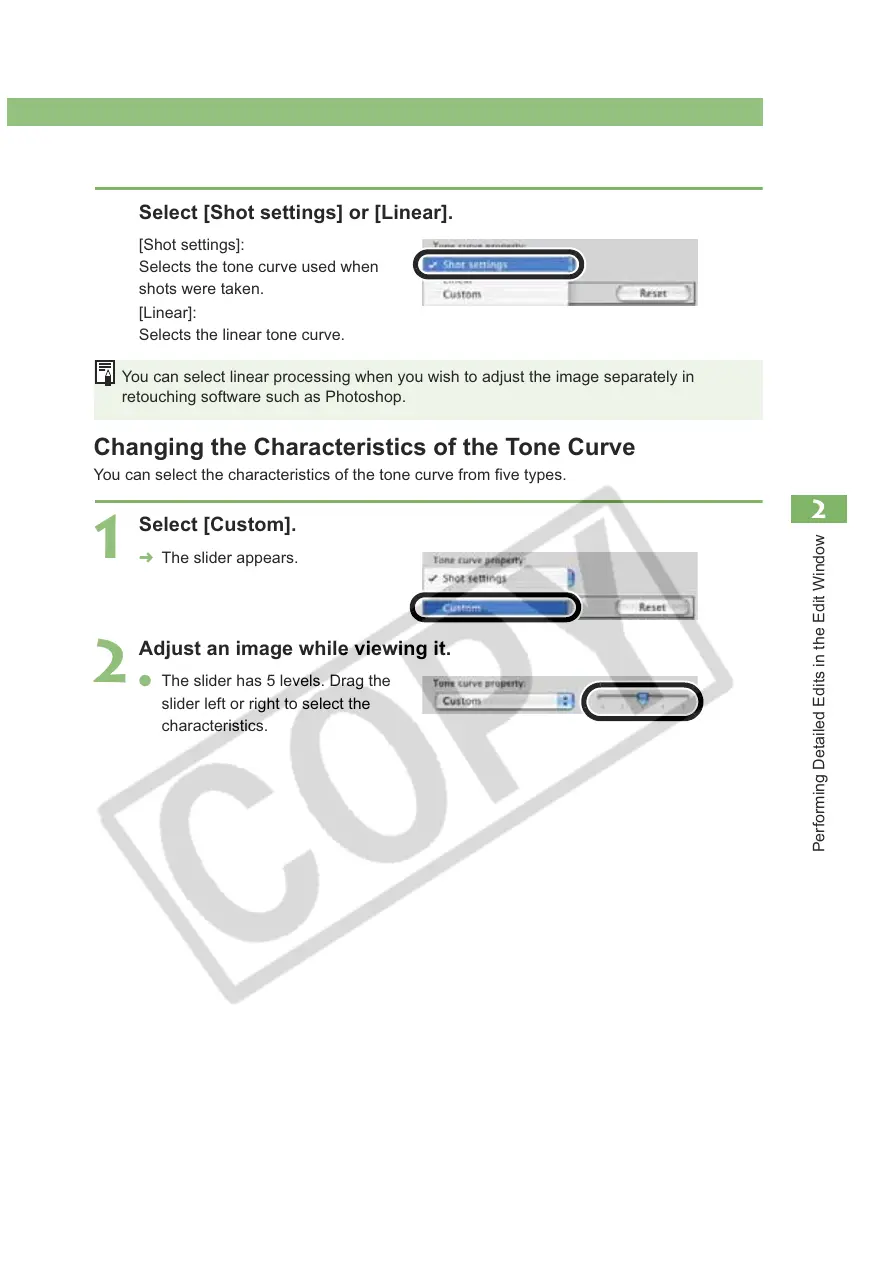
Select [Shot settings] or [Linear].
[Shot settings]:
Selects the tone curve used when
shots were taken.
[Linear]:
Selects the linear tone curve.
You can select linear processing when you wish to adjust the image separately in
retouching software such as Photoshop.
1
Select [Custom].
¿ The slider appears.
2
Adjust an image while viewing it.
O The slider has 5 levels. Drag the
slider left or right to select the
characteristics.














 To Next Page