5
About This Manual
Thank you for purchasing this Canon product.
Precautions for using this product safely and icons to help you with procedures, etc. are
described at the beginning of this Instruction Manual. Please be sure to read these first before
proceeding to the information in the other chapters.
O It is prohibited to reproduce, in whole or part, the contents of this Instruction Manual without
permission.
O Canon may change without notice the software specifications and contents of this
Instruction Manual.
O The software screens and displays printed in this Instruction Manual may differ slightly from
the actual software.
O The contents of this Instruction Manual has been reviewed thoroughly. However, if you
should notice any errors or omissions, please contact Canon Service Center.
O Please note that irrespective of the above-mentioned, Canon does not take responsibility for
the outcome of the operation of the software.
O In this manual, Mac OS X is referred to as “OS X”.
O In this document, square brackets [ ] are used to indicate items such as button names and
icon names that appear on the computer screen.
O Numbers in parentheses in this document indicate reference pages.
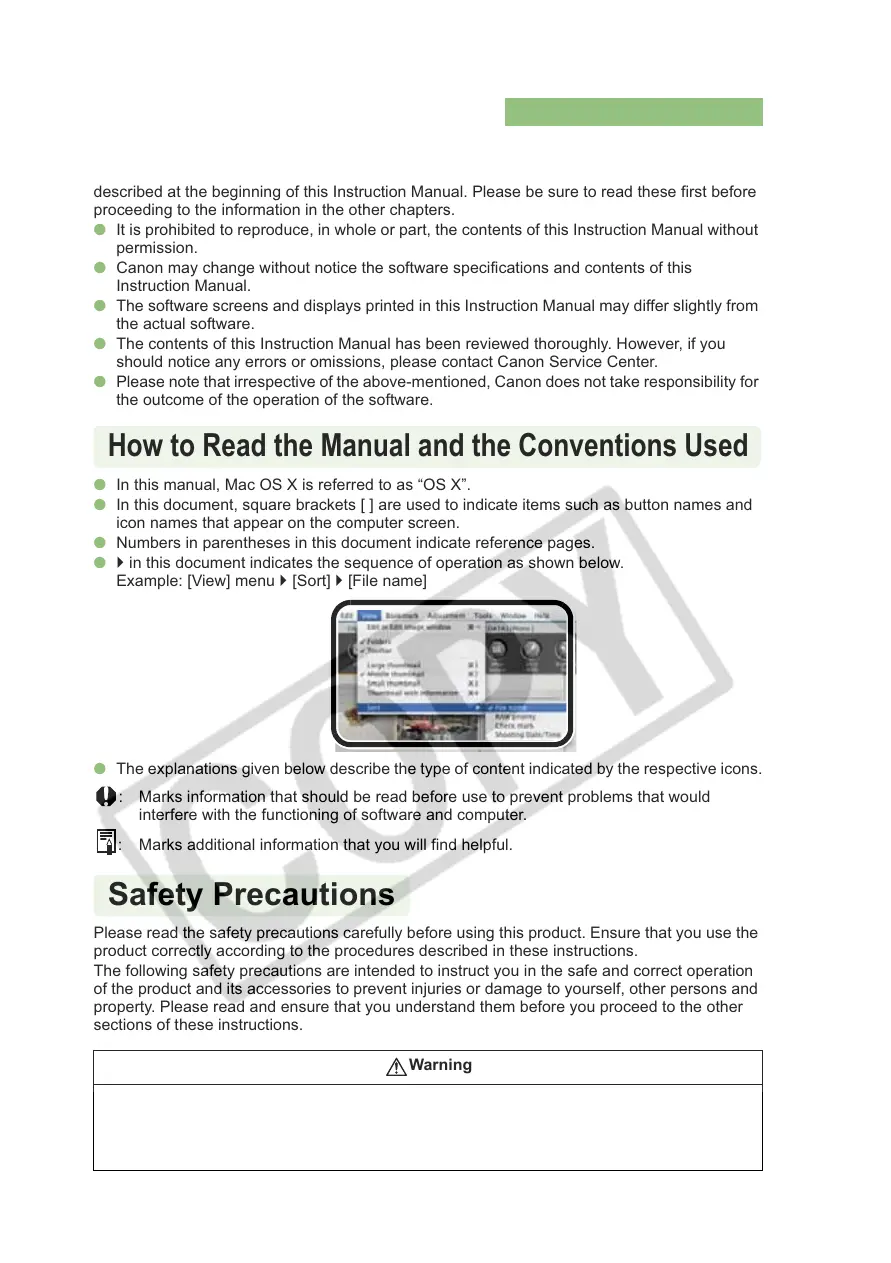
O ` in this document indicates the sequence of operation as shown below.
Example: [View] menu ` [Sort] ` [File name]
O The explanations given below describe the type of content indicated by the respective icons.
: Marks information that should be read before use to prevent problems that would
interfere with the functioning of software and computer.
: Marks additional information that you will find helpful.
Please read the safety precautions carefully before using this product. Ensure that you use the
product correctly according to the procedures described in these instructions.
The following safety precautions are intended to instruct you in the safe and correct operation
of the product and its accessories to prevent injuries or damage to yourself, other persons and
property. Please read and ensure that you understand them before you proceed to the other
sections of these instructions.
Warning
Do not play the supplied CD-ROM(s) in any CD-ROM Player that does not support data CD-ROMs. The
extremely loud sound that may result from playing the CD-ROM(s) in an audio CD player (music player)
could damage the speakers. It is also possible to suffer hearing losses from listening with headphones to
the loud sounds of a data CD-ROM played on a music CD player.
How to Read the Manual and the Conventions Used
Safety Precautions














 To Next Page