1-8
Handling the Folders
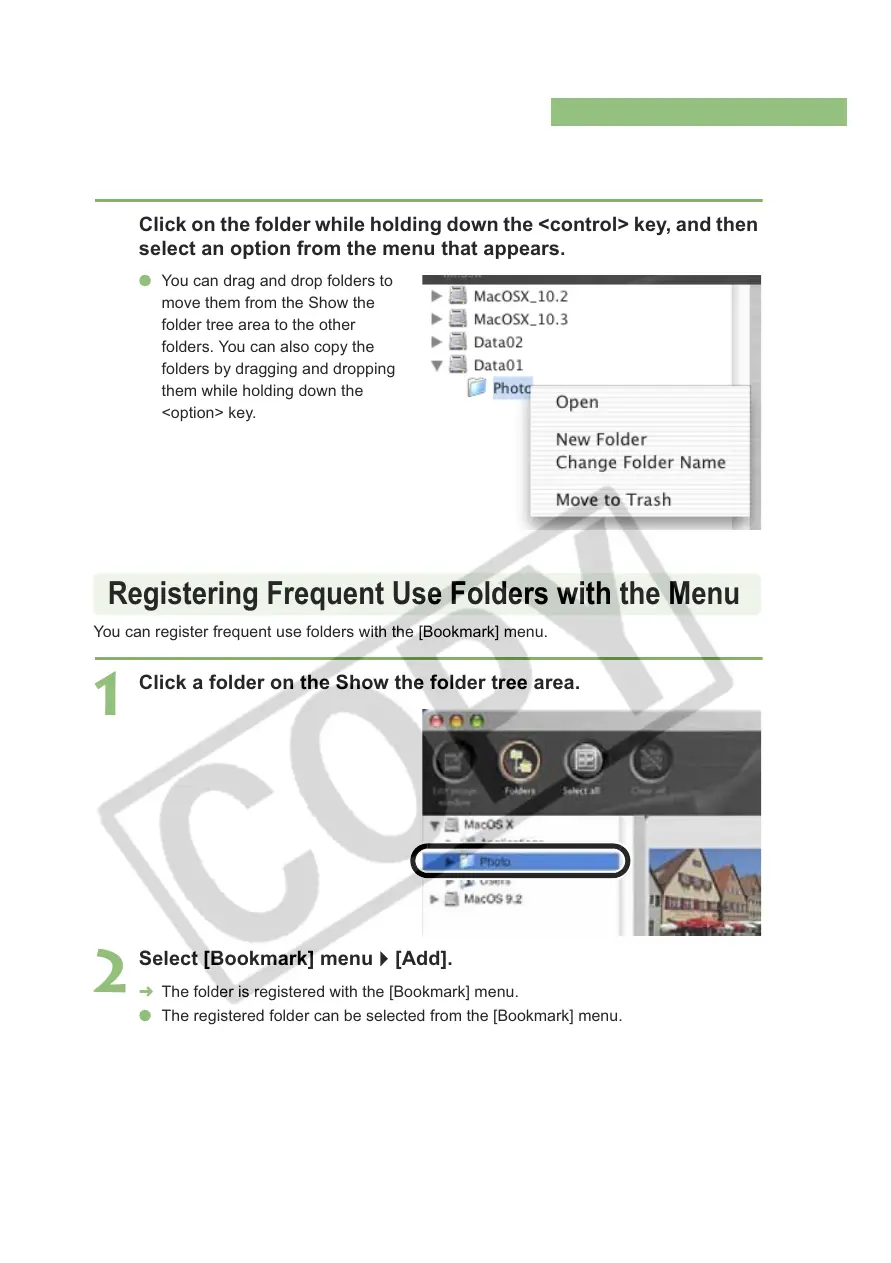
You can handle the folder on the menu that appears by clicking on the folder while holding
down the <control> key.
You can register frequent use folders with the [Bookmark] menu.
Click on the folder while holding down the <control> key, and then
select an option from the menu that appears.
O You can drag and drop folders to
move them from the Show the
folder tree area to the other
folders. You can also copy the
folders by dragging and dropping
them while holding down the
<option> key.
1
Click a folder on the Show the folder tree area.
2
Select [Bookmark] menu ` [Add].
¿ The folder is registered with the [Bookmark] menu.
O The registered folder can be selected from the [Bookmark] menu.
Registering Frequent Use Folders with the Menu














 To Next Page