4-3
4
Reference
Uninstalling the Software
O When using OS X 10.3, log into the account used when installation was performed.
O Quit any application before uninstalling Digital Photo Professional.
O When you have moved the folders to be deleted to the Trash, select [Finder] menu ` [Empty
Trash] to empty the Trash. You cannot reinstall Digital Photo Professional until you have
emptied the Trash.
1
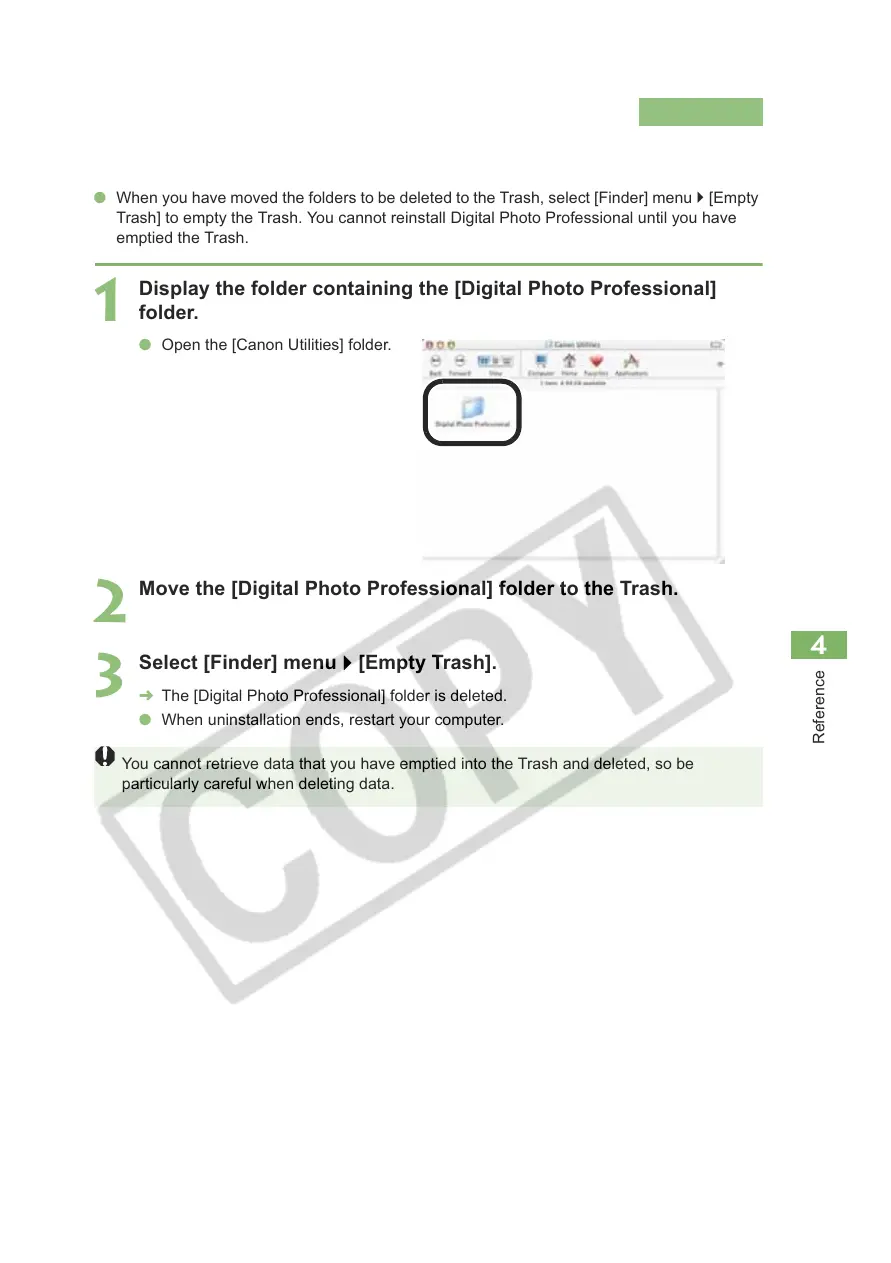
Display the folder containing the [Digital Photo Professional]
folder.
O Open the [Canon Utilities] folder.
2
Move the [Digital Photo Professional] folder to the Trash.
3
Select [Finder] menu ` [Empty Trash].
¿ The [Digital Photo Professional] folder is deleted.
O When uninstallation ends, restart your computer.
You cannot retrieve data that you have emptied into the Trash and deleted, so be
particularly careful when deleting data.














 To Next Page