Specifying the Preferences
1-43
1
Displaying Thumbnail Images and Performing Basic Edits in the Main Window
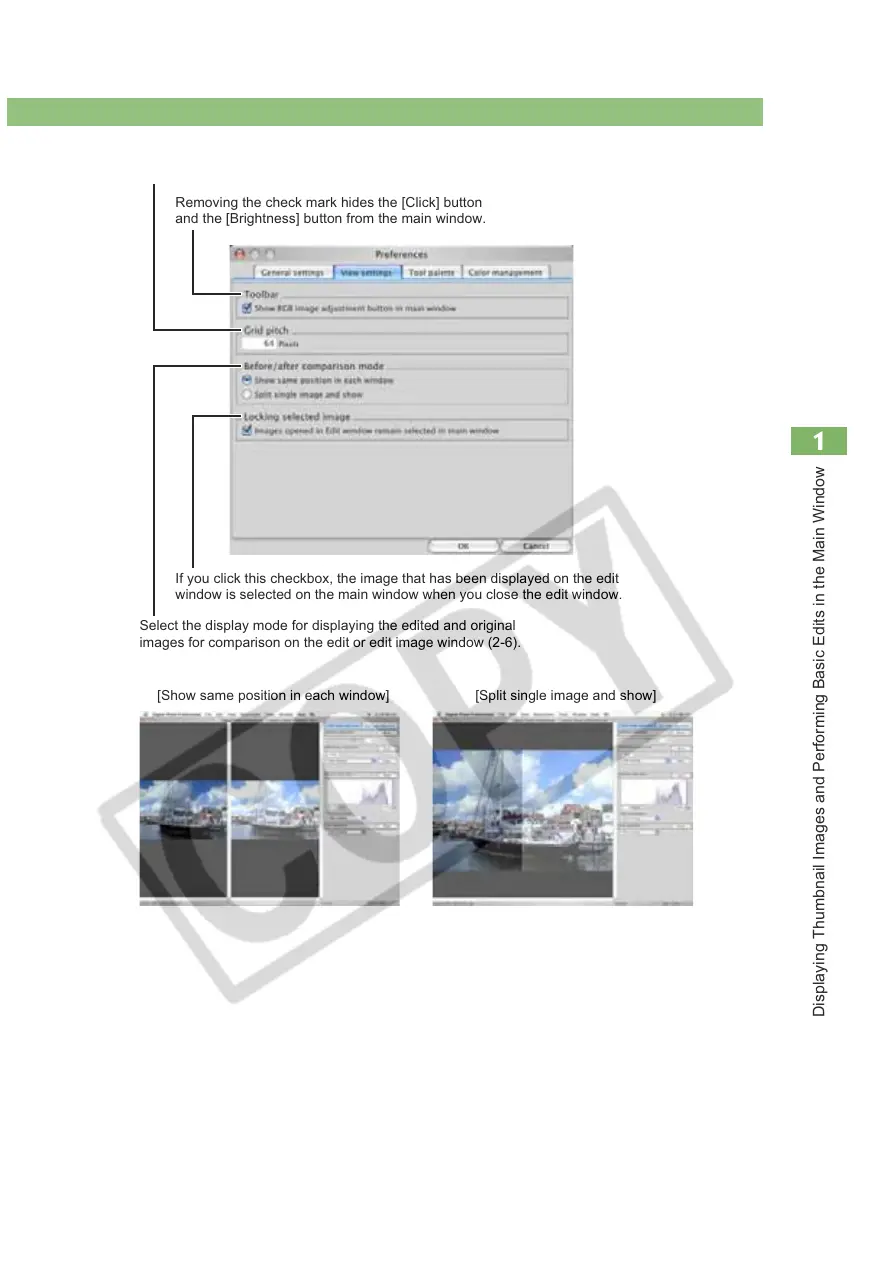
Select the display mode for displaying the edited and original
images for comparison on the edit or edit image window (2-6).
[Show same position in each window] [Split single image and show]
Allows you to specify the grid spacing in a range of 8 to 256 pixels used
when the gridline is displayed on the edit window or the edit image window.
Removing the check mark hides the [Click] button
and the [Brightness] button from the main window.
If you click this checkbox, the image that has been displayed on the edit
window is selected on the main window when you close the edit window.














 To Next Page