Important
•
During Printhead replacement, do not move the Carriage from the position indicated. If you accidentally
move the Carriage, you will hear a warning tone, and Printhead replacement is no longer possible.
If you move the Carriage by mistake, close the Top Cover. The Carriage will be moved to the position as
indicated.
2
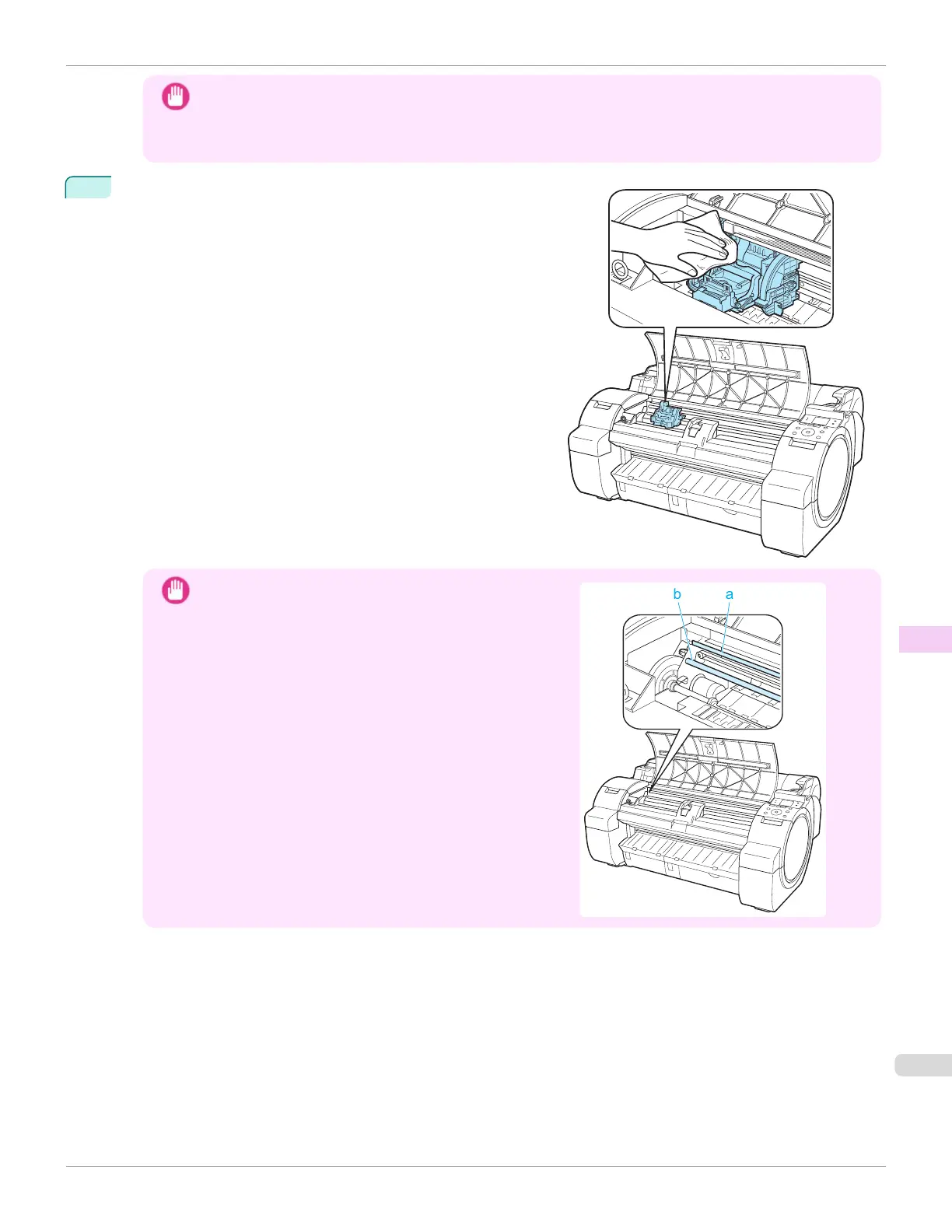
If the Printhead Fixer Cover or Printhead Fixer Lever is dirty,
use a damp cloth that you have wrung out completely to wipe it
clean.
Important
•
Do not touch the Linear Scale (a) or Carriage Shaft (b).
Touching these parts may damage them.
iPF670
Replacing the Printhead
User's Guide
Maintenance and Consumables Printheads
553













 To Next Page