Reserving Jobs
2-37
2
Introduction to the Mail Box Functions
2
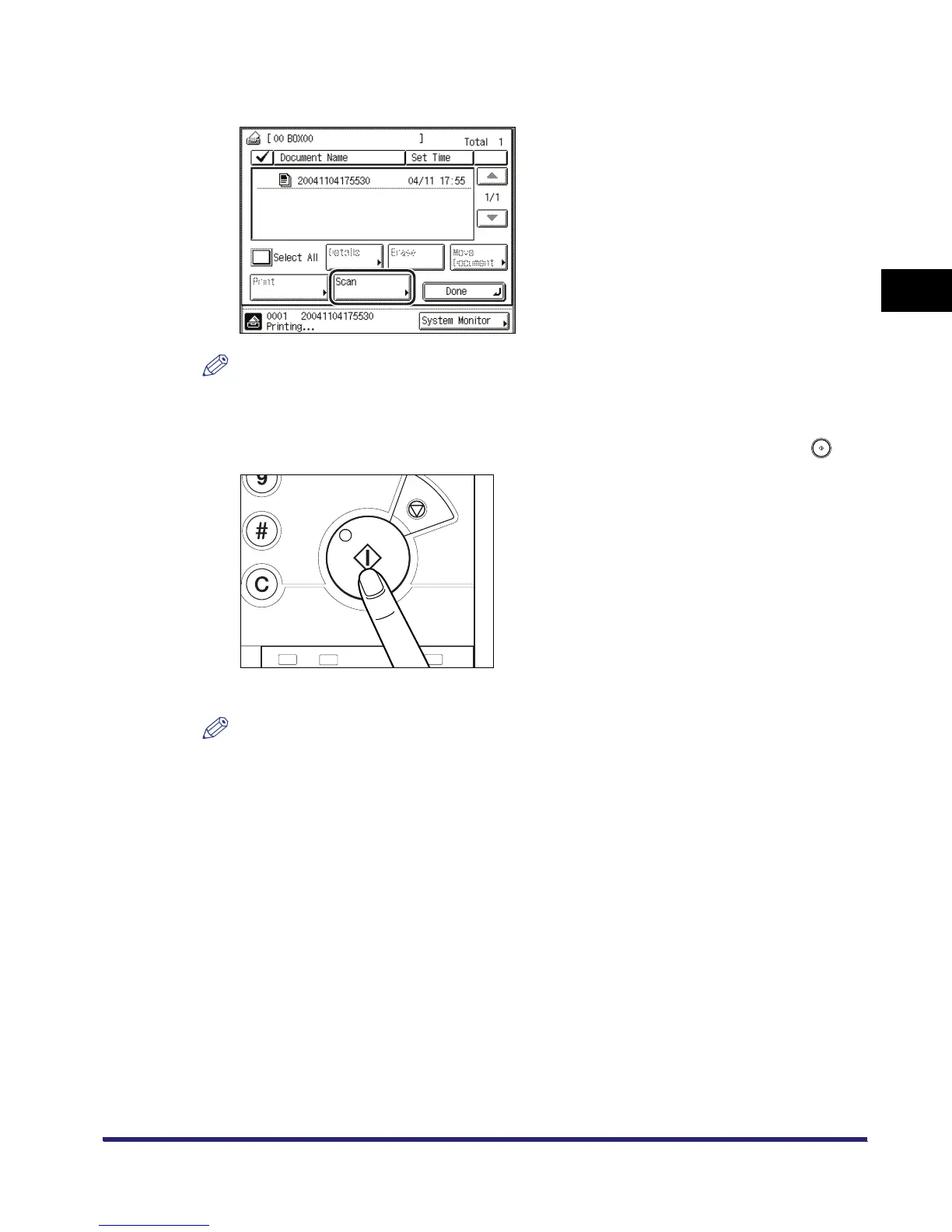
Select the desired inbox number ➞ press [Scan].
NOTE
In the above example, User Inbox 00 has one document stored in it already.
3
Place your originals ➞ specify the desired scan modes ➞ press .
Scanning starts.
NOTE
You can assign a document name before scanning, or you can change the (time-coded)
assigned name after you scan the document. (See step 7 of "Storing Originals into an Inbox," on
p. 2-9, or "Changing the Name of a Document," on p. 2-55.)



 To Next Page