Cancelling a Job
2-32
2
Introduction to the Mail Box Functions
Cancelling a Job
You can cancel the scanning of a document to be stored in an inbox from the touch panel
display or by pressing on the control panel.
However, the printing of a document stored in an inbox can only be cancelled from the touch
panel display.
While Scanning
Using the Touch Panel Display
1
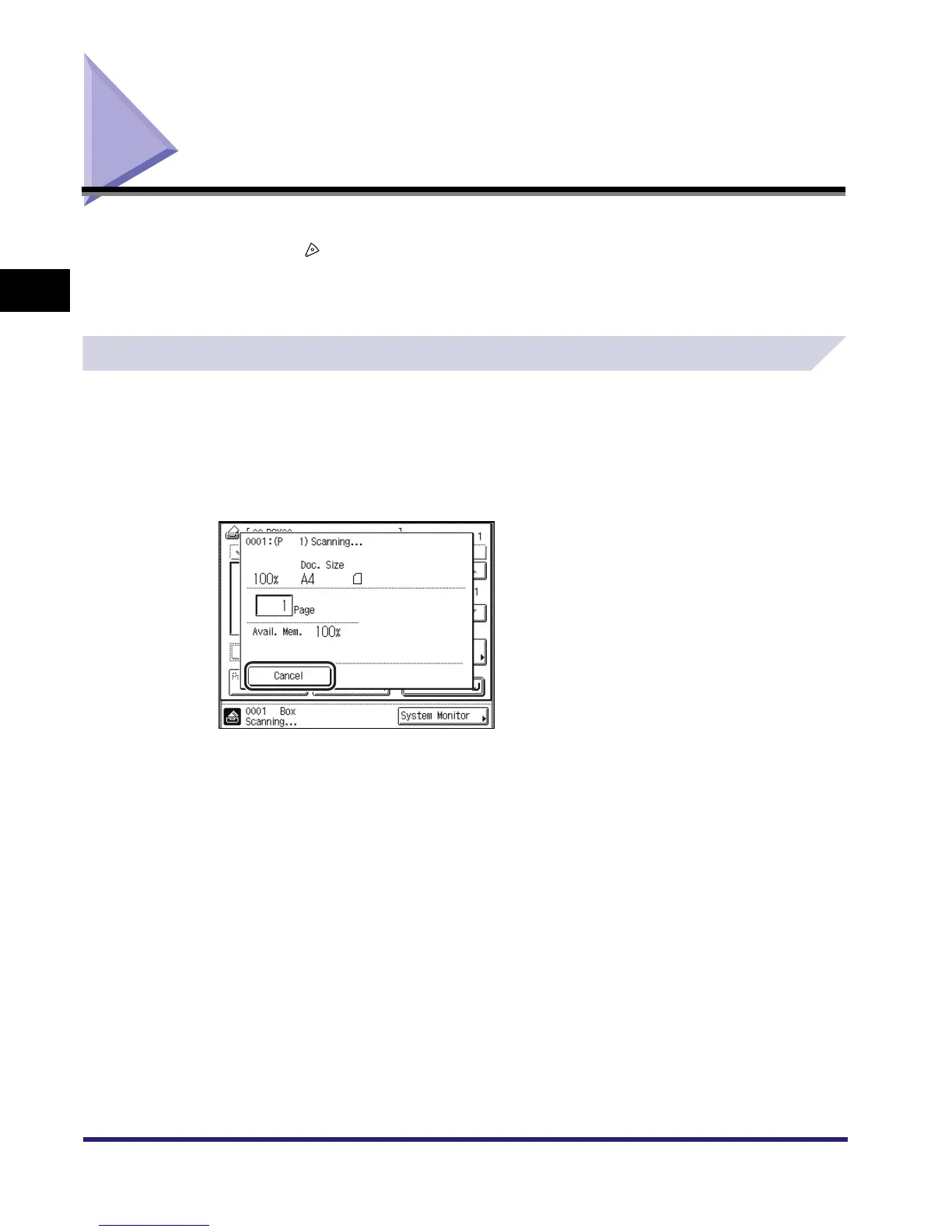
Press [Cancel] on the pop-up screen that appears while the machine is
scanning.
The job is cancelled.
2
Remove the original.



 To Next Page