What Are Additional Functions?
6-2
6
Customizing Settings
What Are Additional Functions?
Additional Functions enable you to customize the machine's various settings.
NOTE
Settings specified from the Additional Functions screen are never changed when you press .
1
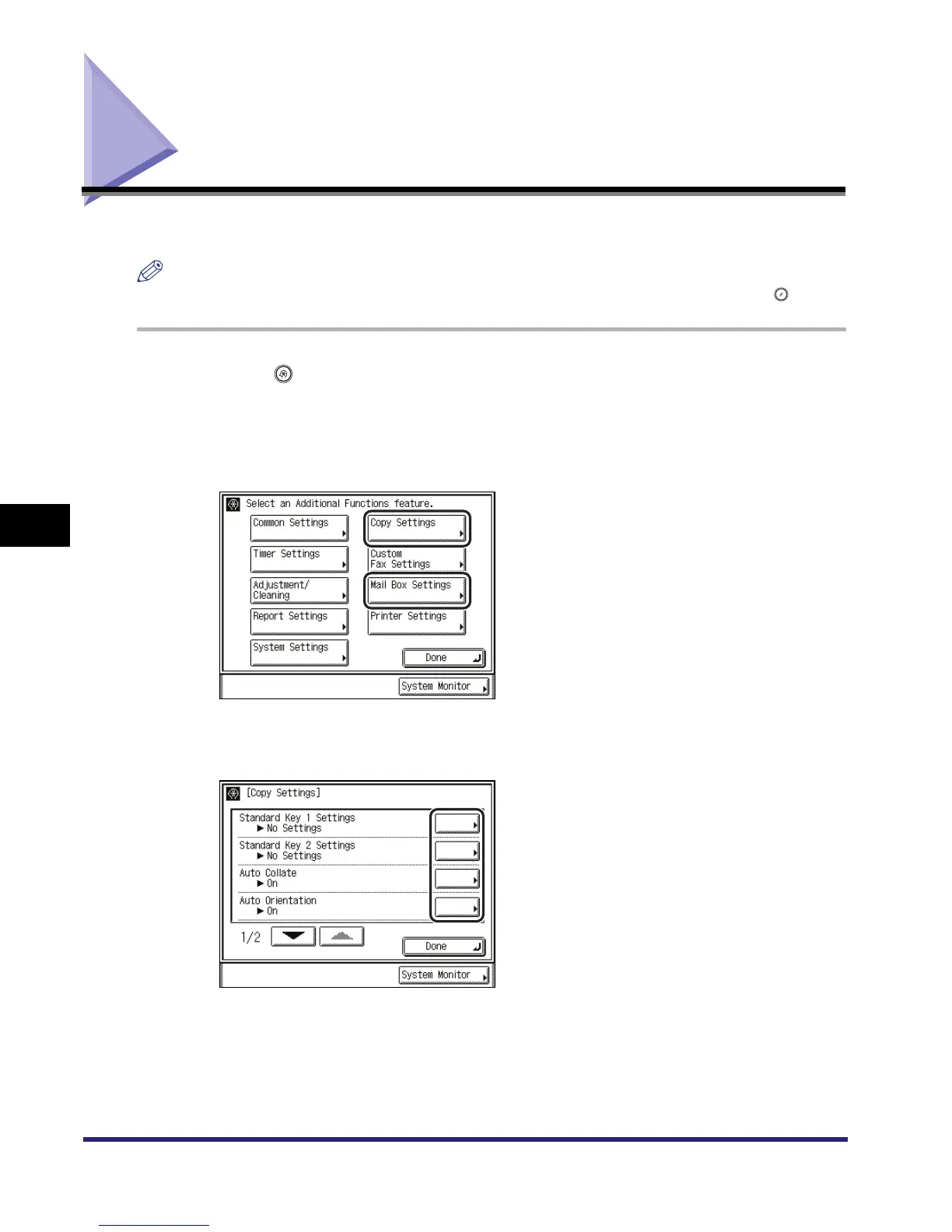
Press .
The Additional Functions screen is displayed.
2
Select an Additional Functions setting.
3
Press a mode key to specify its settings.



 To Next Page