Changing the Copy (Zoom) Ratio
3-25
3
Basic Copying and Mail Box Features
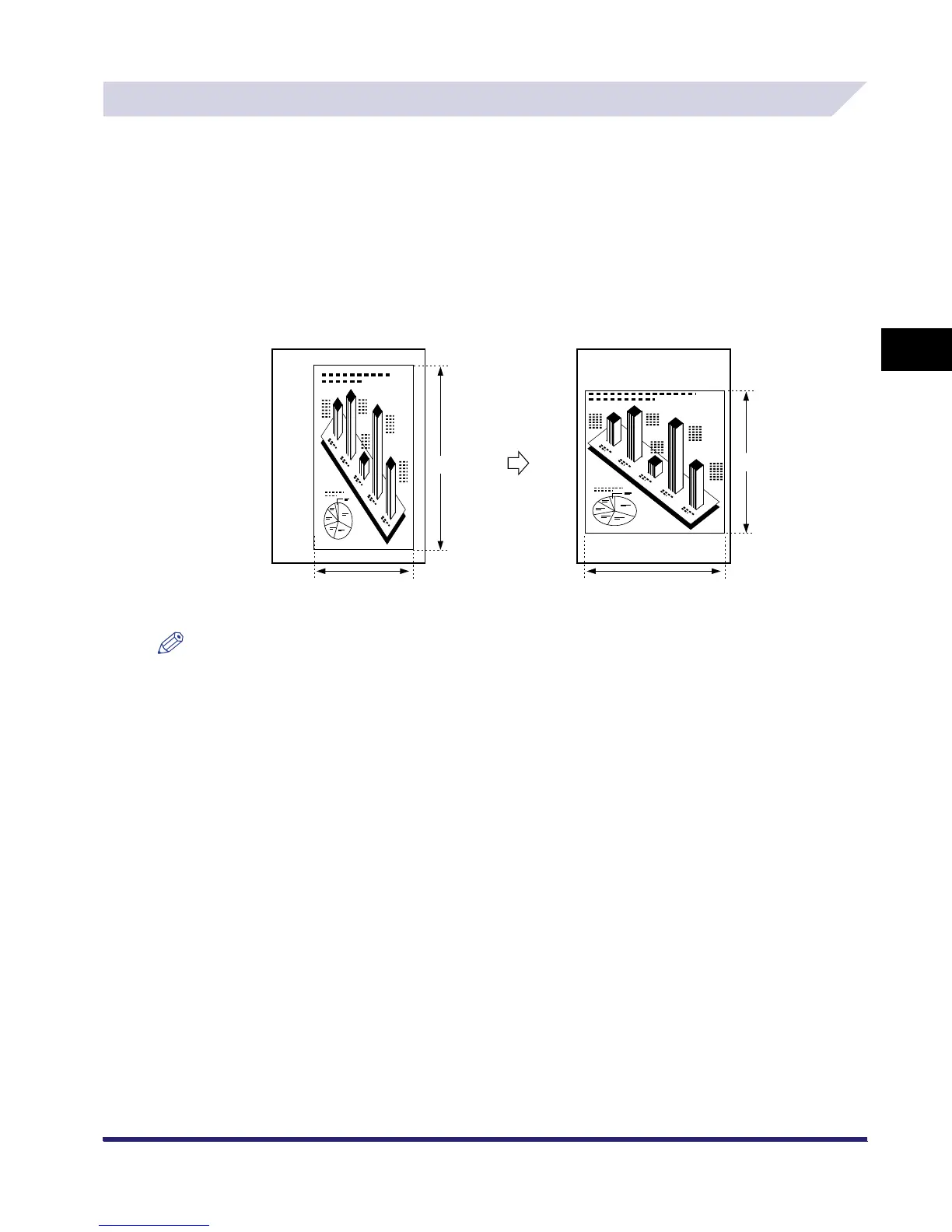
Setting the X and Y Axes Independently
The XY Zoom mode enables you to make reduced or enlarged copies with different XY copy
(zoom) ratios expressed in percentages. The available copy ratios are from 25% to 400% when
the original is placed on the platen glass, and from 25% to 200% when the original is placed in
the feeder.
The following two XY Zoom modes are available.
■ Manually Specifying the Copy/Zoom Ratio (XY Zoom)
You can manually set different copy (zoom) ratios for the horizontal (X) and vertical (Y) axes, expressed
in percentages and in 1% increments.
NOTE
If you set the copy (zoom) ratio with the XY Zoom mode, the image of the original may be rotated before
being printed on the paper depending on the outcome of the computation executed by the machine
using the original size and the specified copy (zoom) ratio.
Original
Copy
X = 100%
Y = 100%
Y = 80%
X = 120%
A4
A4
Enlarging and
Reducing with
Different XY
Copy Ratios



 To Next Page