Customizing Copy Settings
6-6
6
Customizing Settings
3
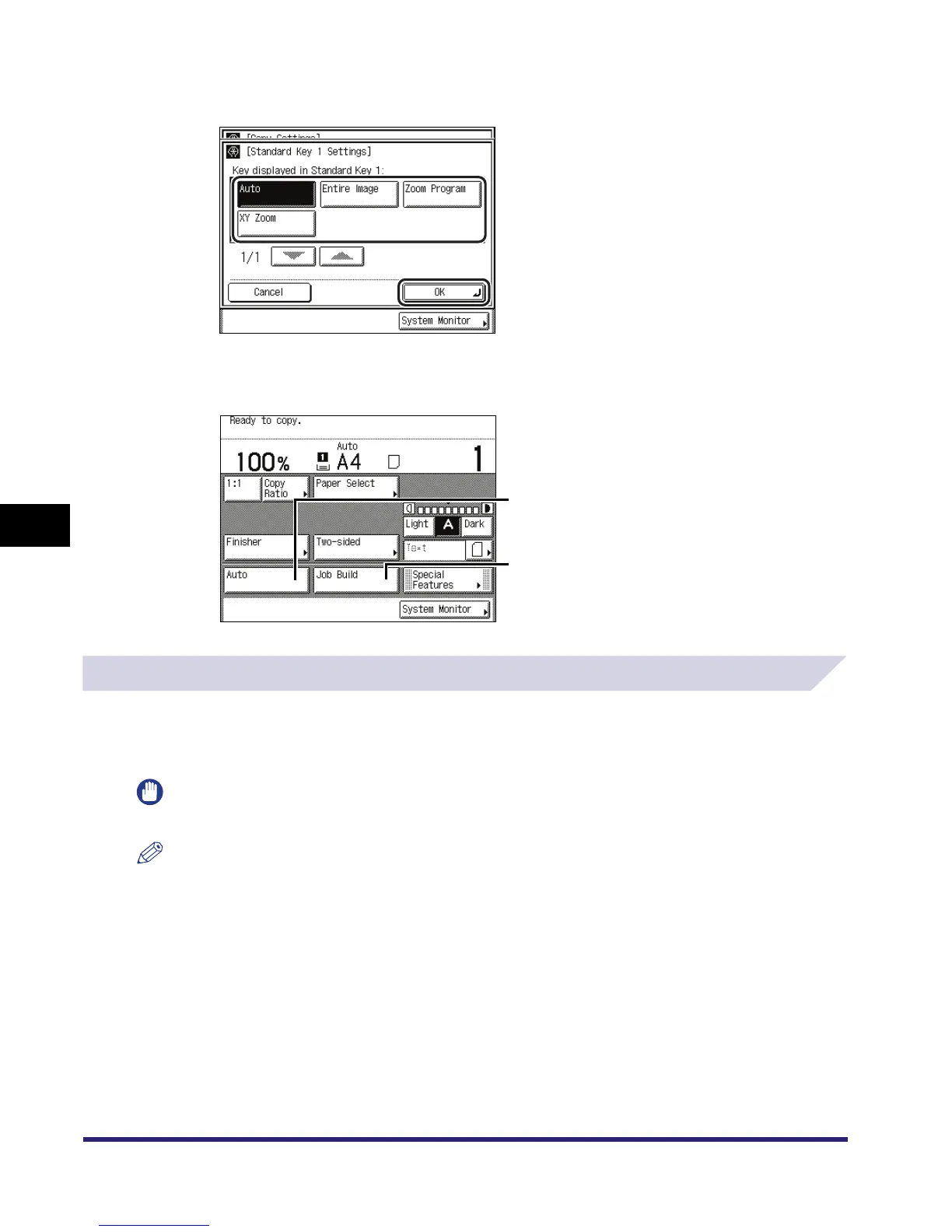
Select the setting that you want to store ➞ press [OK].
To cancel storing the setting, press [Cancel].
Example: The stored standard keys appear on the Copy Basic Features screen as shown
below.
Auto Collate
If Auto Collate is set to 'On', the machine automatically sets the Collate (Offset Collate) mode
when originals are placed in the feeder. This is useful when making multiple sets of copies,
because you do not need to remember to select the Finisher mode.
IMPORTANT
The Auto Collate mode is available only if the optional Feeder (DADF-N1) is attached.
NOTE
•
If Auto Collate is set to 'On' and an optional finisher is attached, the Offset Collate mode is set. However,
if no finisher is attached, the Collate mode is set instead.
•
The default setting is 'On'.
Standard Key 1
Standard Key 2



 To Next Page