Overview of the iR3530/iR2230
1-2
1
Introduction to the Copying Functions
Overview of the iR3530/iR2230
Most operations of this machine are done from the touch panel display. To use the Copy
functions, press the appropriate key in accordance with the messages displayed on the touch
panel display.
Various Copying Features
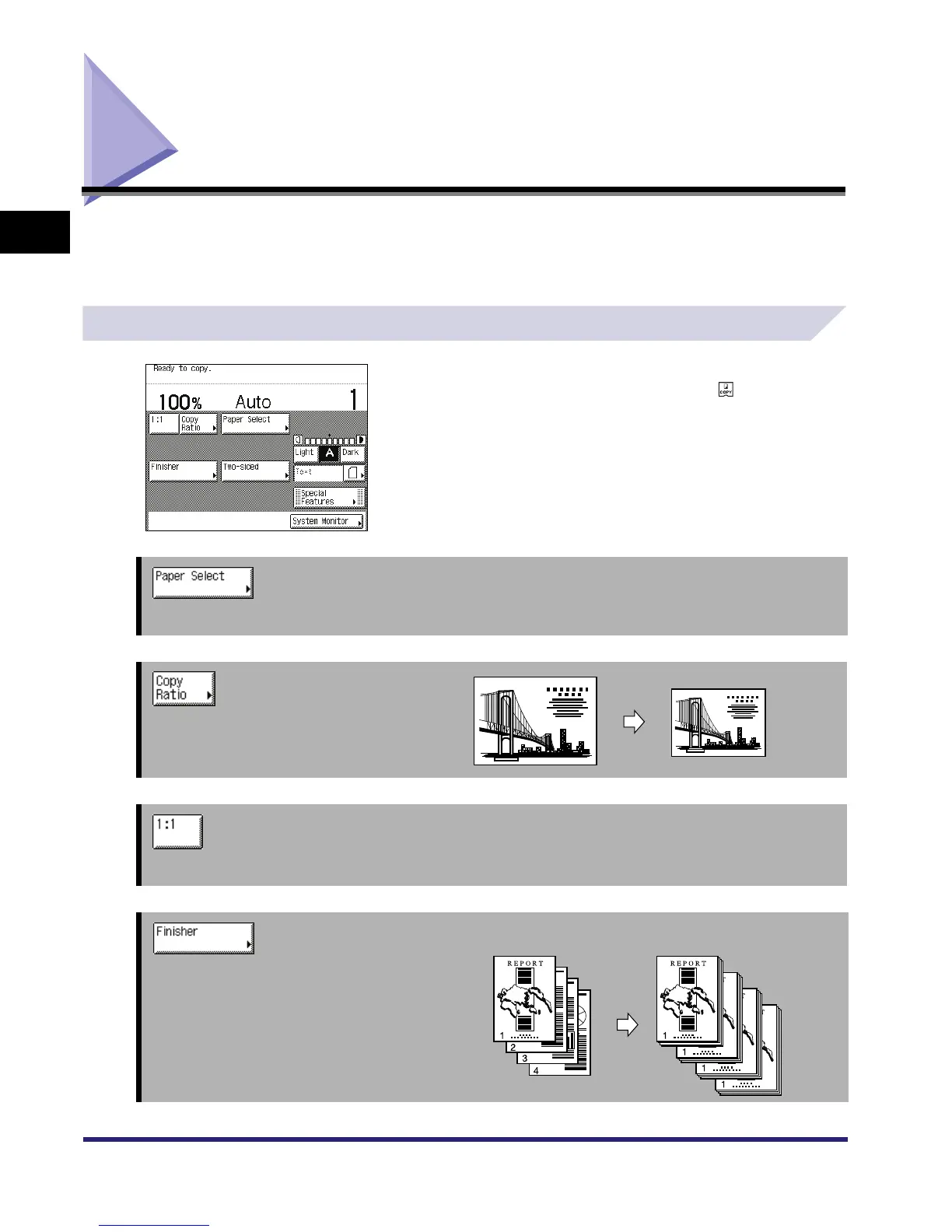
Copy Basic Features Screen
The screen on the left, which appears when is selected, is
called the Copy Basic Features screen.
➞ See p. 1-17
Press to select the paper size/type and the paper source.
➞ See p. 3-9
Press to reduce or enlarge the copy size.
➞ See p. 3-9
Press to make copies in the same size as your original.
➞ See p. 3-31 [Collate] Is Selected
Press to select the Collate, Group, or Staple
mode.



 To Next Page