Frame Erase
4-38
4
Special Copying and Mail Box Features
Frame Erase
This mode enables you to erase shadows and lines that appear when copying (scanning)
various types of originals. There are three types of the Frame Erase mode: Original Frame
Erase, Book Frame Erase, and Binding Erase.
IMPORTANT
Combinations of the three Frame Erase modes cannot be set. If you select one of these modes, the
previously set mode is cancelled.
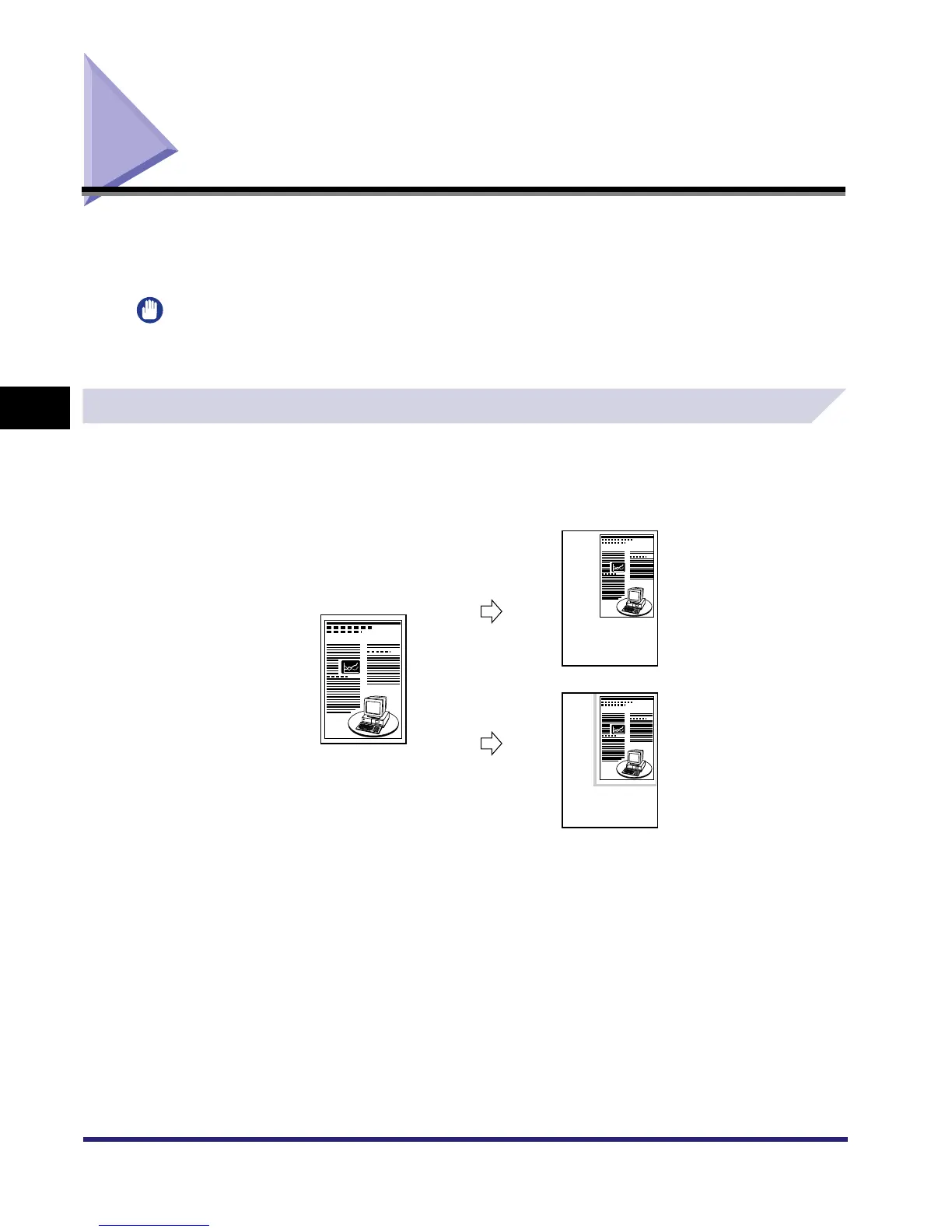
Original Frame Erase
This mode erases the dark borders and frame lines that appear around the copy (scanned
image) if the original is smaller than the selected paper size. You can also use this mode to
create a blank border around the edge of the copy (recorded page).
Original (A5)
Original Frame
Erase Selected
Original Frame
Erase Not Selected
Copy (A4)
Copy (A4)



 To Next Page