Cancelling a Copy Job
1-25
1
Introduction to the Copying Functions
Cancelling a Copy Job
Using the Touch Panel Display
1
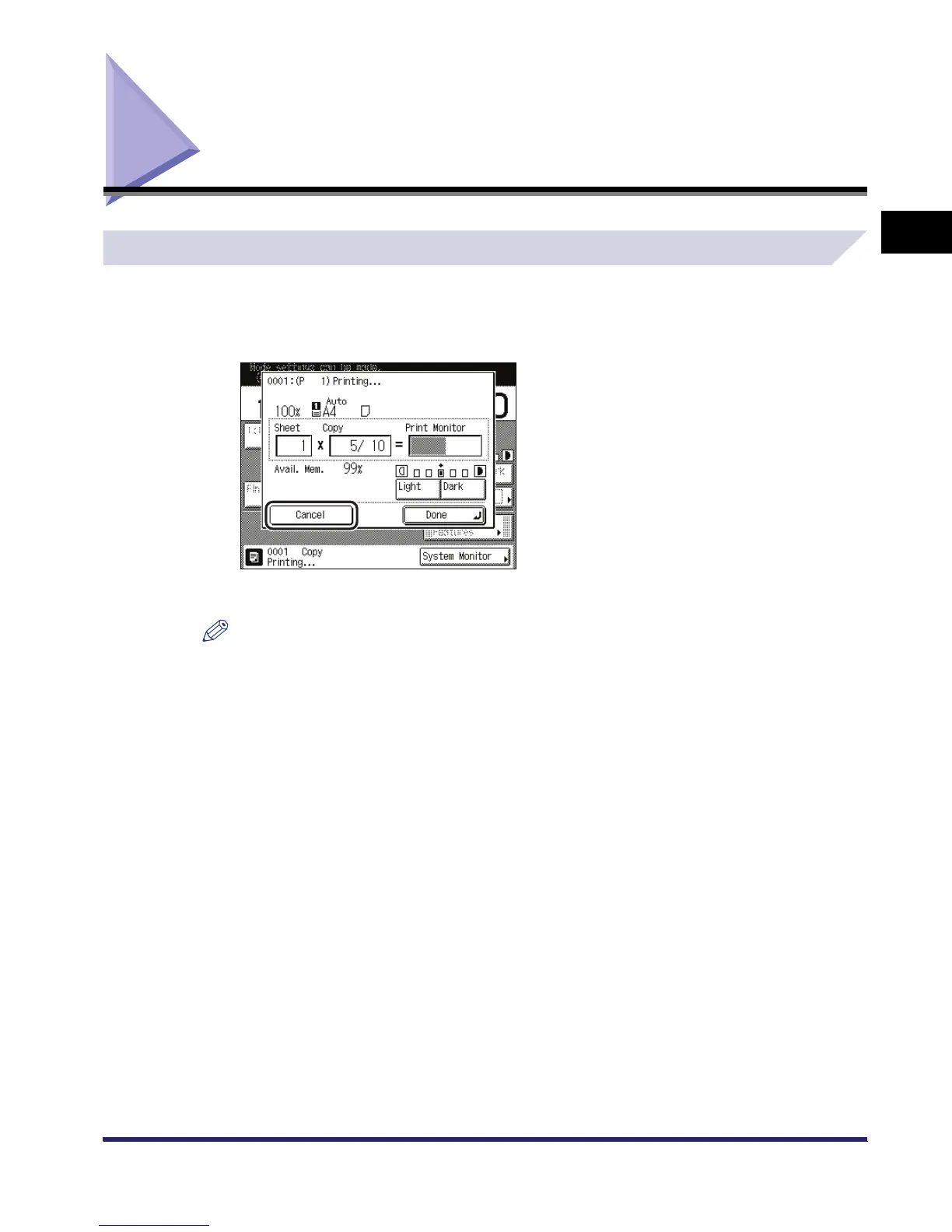
Press [Cancel] on the pop-up screen that appears while the machine is
scanning, printing, or waiting to print.
The copy job is cancelled.
NOTE
If you cancel a copy job during scanning, be sure to remove the original for that job.



 To Next Page