Image Repeat
4-55
4
Special Copying and Mail Box Features
Image Repeat
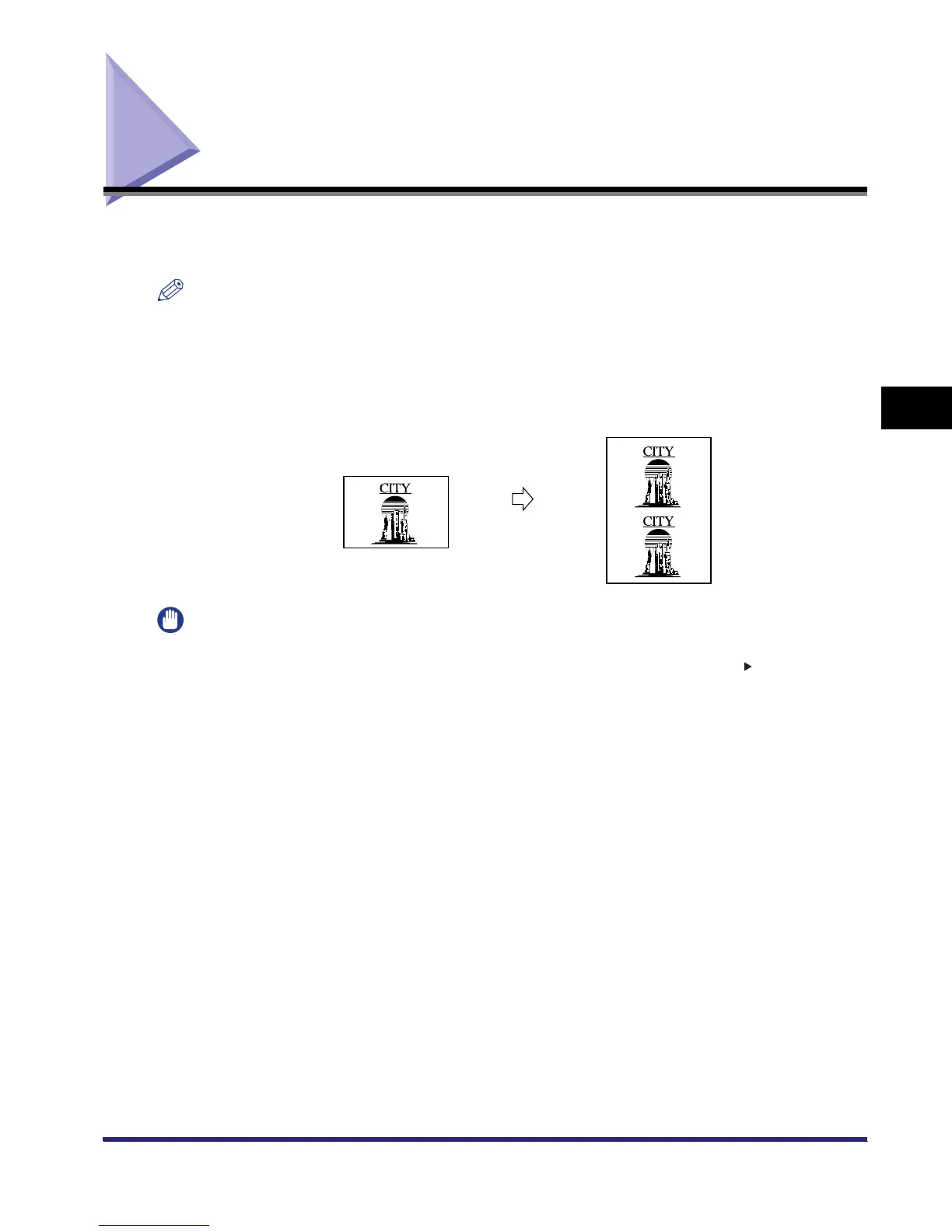
This mode enables you to repeatedly copy the entire original image in either the vertical or
horizontal direction. The following two settings are available for the Image Repeat mode.
NOTE
The Image Repeat mode is available for the Copying function only.
■ Automatic Setting
The original image is copied so that the maximum possible number of repeats fit onto the selected paper
size.
IMPORTANT
The Image Repeat (Auto) mode cannot be used with the following mode(s).
- Copy: Automatic Paper Selection, Auto Zoom, Auto XY Zoom, Entire Image, Book 2-Sided,
Two-page Separation, Cover/Sheet Insertion, Image Combination, Shift, Transparency Interleaving,
Margin, Different Size Originals, Frame Erase, Mirror Image
Original
Copy



 To Next Page