Sample Set
1-44
1
Introduction to the Copying Functions
Sample Set
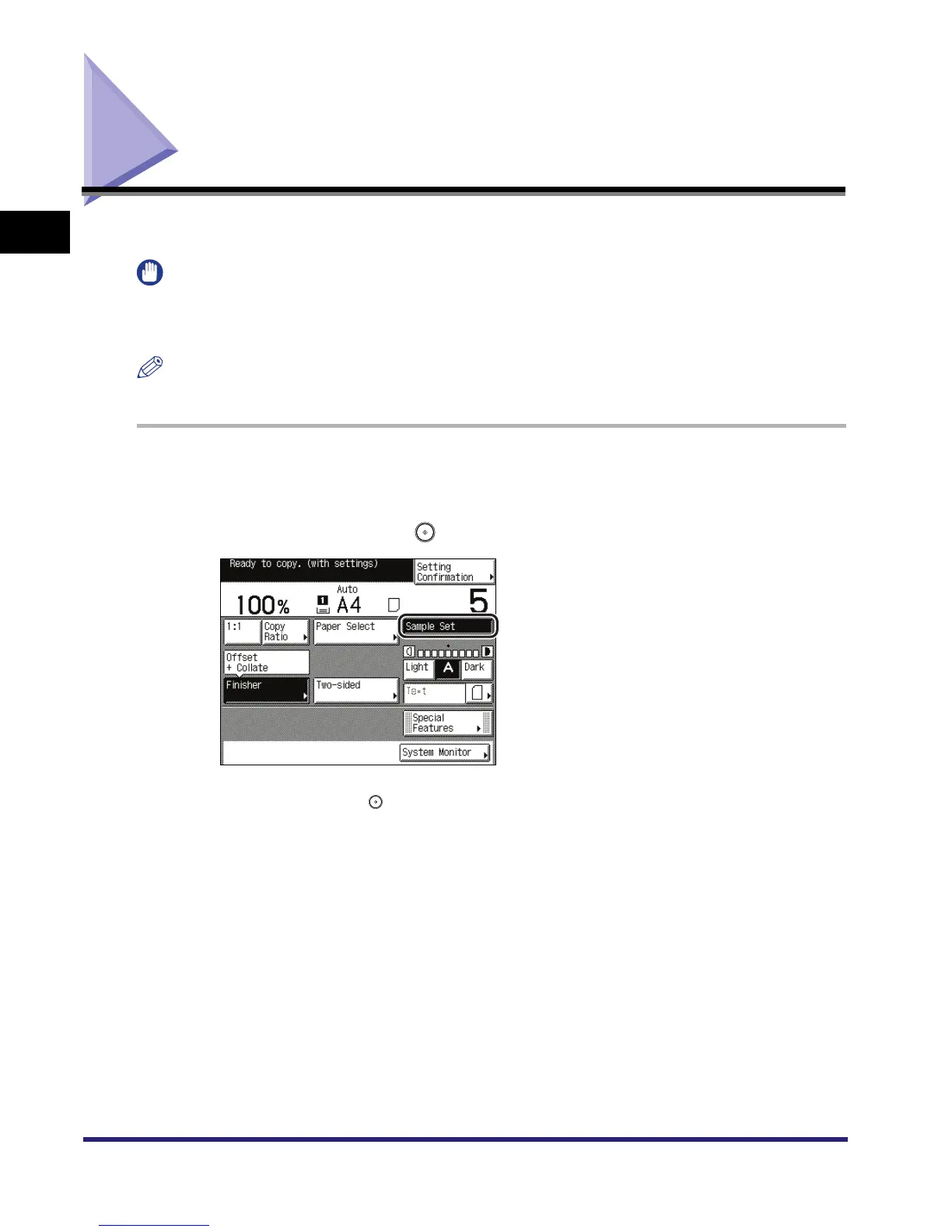
This mode enables you to check the copy result before making multiple copies.
IMPORTANT
[Sample Set] appears only if you set to make multiple copies of your original in the Collate, Offset
Collate, Rotate Collate, Staple, Cover/Sheet Insertion, or Transparency Interleaving modes. [Sample
Set] does not appear if the Group mode is set.
NOTE
The machine's counter counts the sample print as a print.
1
Place your originals ➞ set the desired copy modes.
2
Press [Sample Set] ➞ .
If the original is placed on the platen glass, follow the instructions that appear on the touch
panel display ➞ press once for each original. When scanning is complete, press [Done].
Copying starts and one sample set is output.



 To Next Page