Cancelling a Copy Job
1-26
1
Introduction to the Copying Functions
Using the Stop Key
1
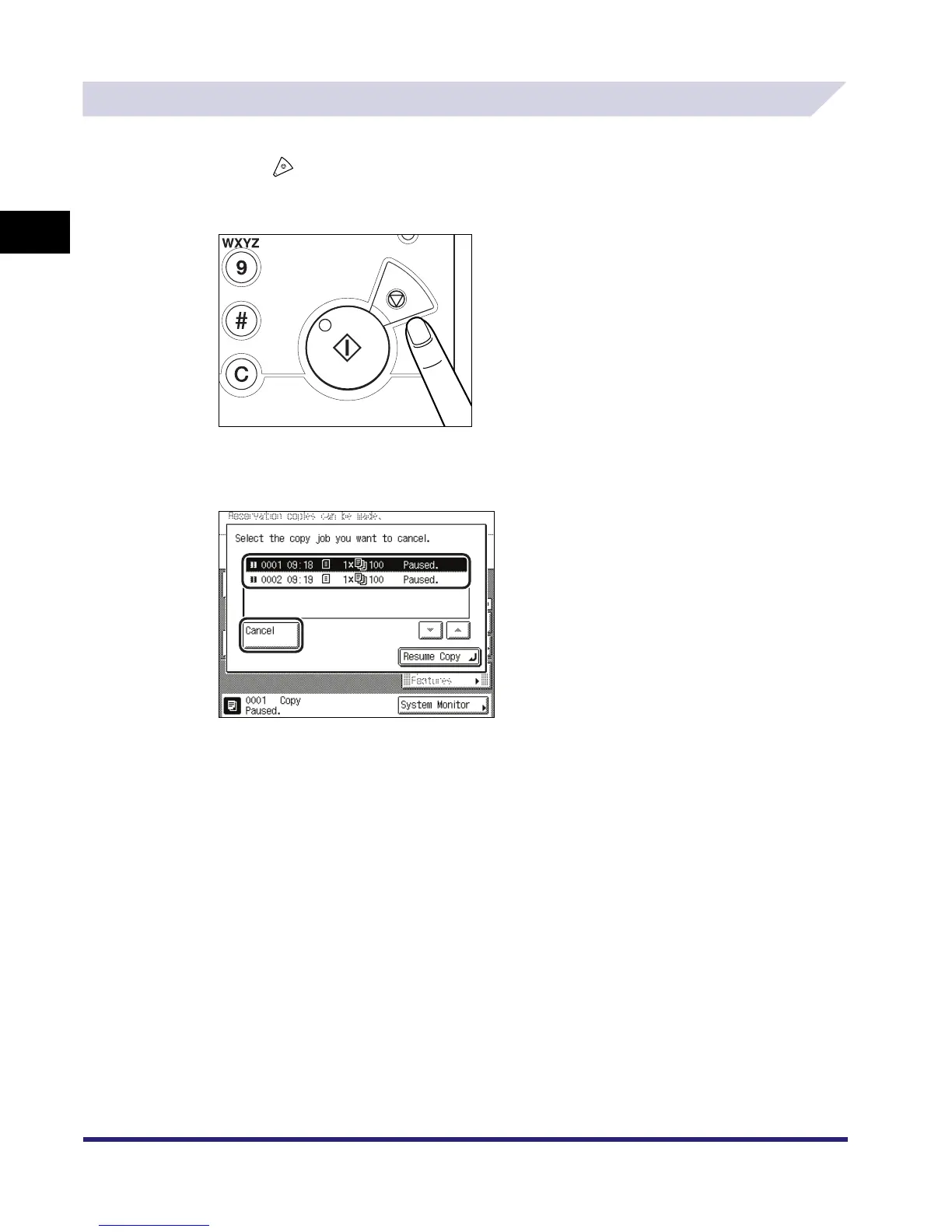
Press .
When cancelling a job that which is being printed, press [Cancel] on the pop-up screen that
appears during printing.
2
Select the copy job that you want to cancel ➞ press [Cancel].
You cannot select multiple jobs and cancel them all at once. Select and cancel one job at a
time.
The copy job is cancelled.
3
Press [Resume Copy].
Copying resumes.



 To Next Page