Changing the Copy (Zoom) Ratio
3-18
3
Basic Copying and Mail Box Features
■ Making Copies (Scanning) with Different XY Copy/Zoom Ratios (XY Zoom)
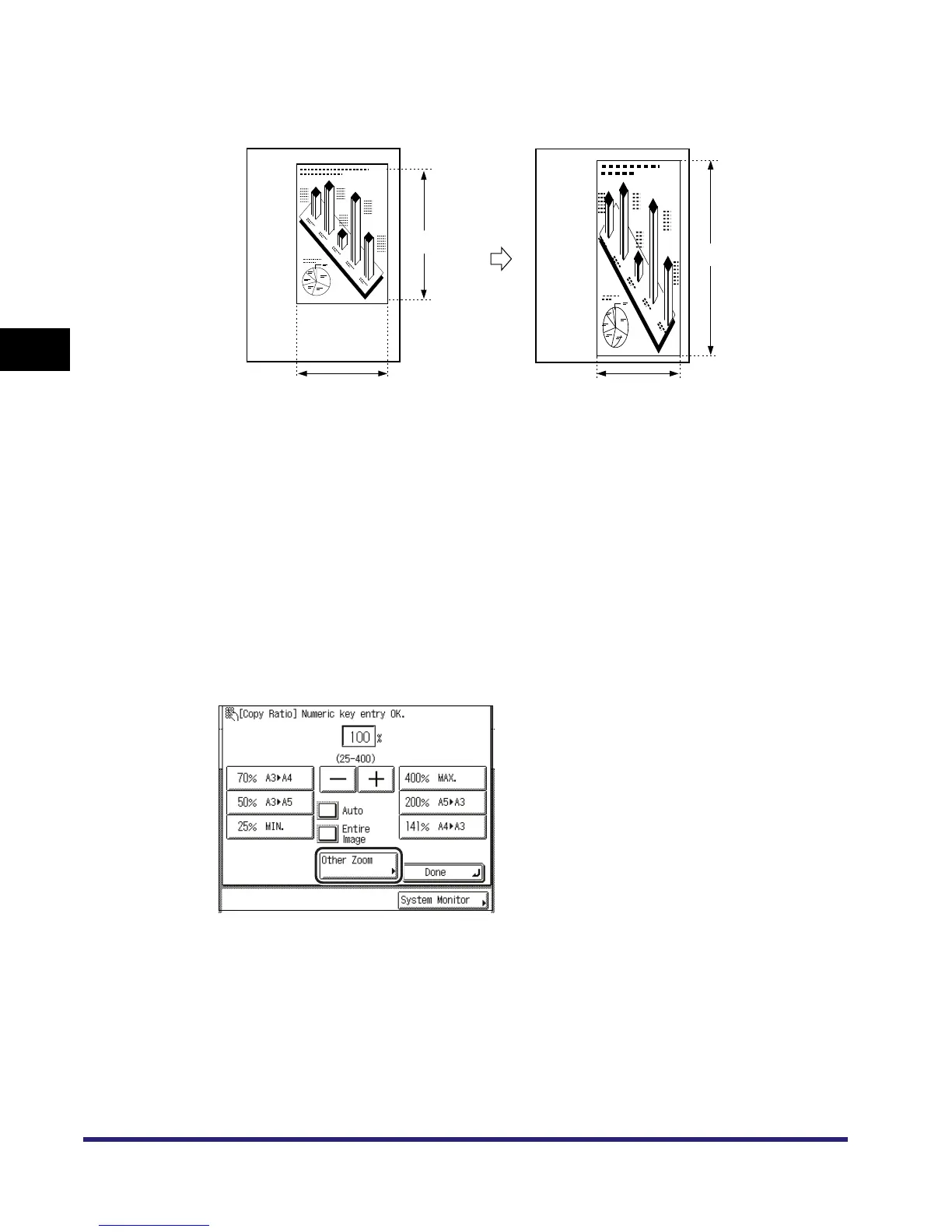
You can set different copy (zoom) ratios for the horizontal (X) and vertical (Y) axes.
Making Copies (Scanning) with the Same XY Copy/Zoom Ratio
(Zoom)
■
Copying
1
Place your originals ➞ press [Copy Ratio].
If necessary, see the screen shot in step 1 of "Copying" in "Preset Zoom," on p. 3-9.
2
Press [Other Zoom].
Original
Copy
X = 100 mm
Y = 120 mm
Y = 180 mm
X = 80 mm
A4
A4



 To Next Page